
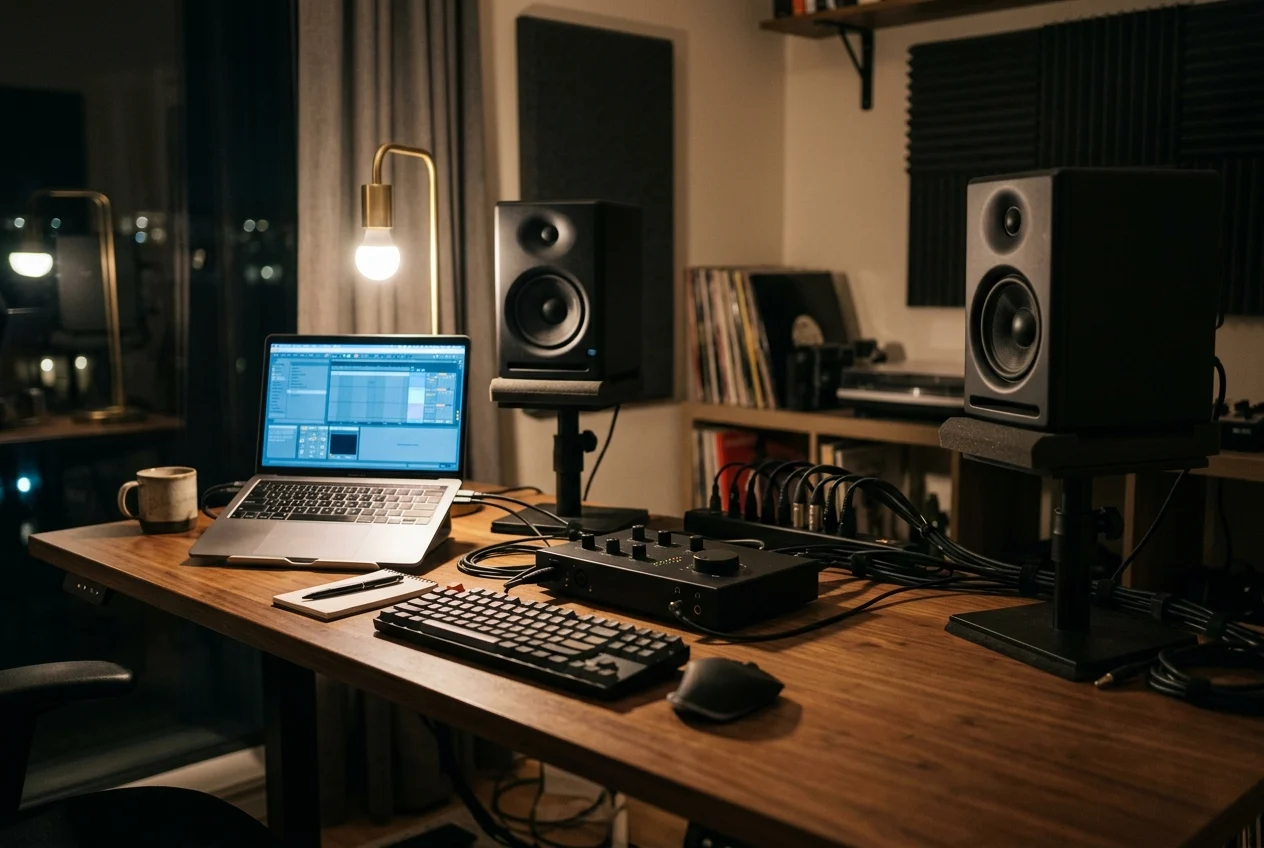
How to Fix Ground Loop Hum in Your Home Studio or Hi-Fi (Australian Guide)
Ground loop hum is that steady, low drone coming out of your speakers even when nothing is playing. It’s one of the most common problems in home studios and hi-fi setups, and the good news is that most cases can be fixed in a few minutes, often without buying anything.
Ground loop hum happens when two pieces of gear are earthed through different paths, so a small current flows through your audio cables. Plug everything into one power board, use balanced cables to your monitors and test your laptop on battery. If the hum stays, break the loop with a ground lift or an isolation transformer. Never remove or bypass the earth on a power plug.
What ground loop hum sounds like
In Australia the mains runs at 50 Hz, so a ground loop gives you a low tone at 50 Hz, usually with some 100 Hz and 150 Hz on top. It sits roughly on a low G. It’s constant, it doesn’t follow your music, and it often gets louder as you turn up the volume on your speakers.
Most guides online are written for the US, where mains is 60 Hz. If you’re following a fix that tells you to notch out 60 Hz with an EQ, it won’t touch the hum in an Australian room.
Not every noise is a ground loop, though. Use this to narrow it down before you start unplugging things:
| What you hear | Likely cause | First thing to try |
|---|---|---|
| Steady low hum, same pitch all the time | Ground loop | The 10 minute test below |
| Harsh buzz with a lot of top end | Ground loop on an unbalanced cable, or a cable running next to power | Balanced cables, move audio leads away from power leads |
| Whine or chirp that changes when you move the mouse or scroll | Noise from the computer over USB | Test the laptop on battery |
| Hum only from an electric guitar, worse near the computer | Single coil pickups picking up interference | Turn or move away from screens and power supplies |
| Hiss, not hum | Gain set too high somewhere in the chain | Check your gain structure, not your earthing |
Why ground loops happen
Every piece of gear with a three pin plug is connected to earth through the power socket. Your audio cables also connect the gear together, and the shield of each cable is another path to earth.
When two devices are earthed in two different places, for example a computer on one wall and powered monitors on another, the earth points sit at slightly different voltages. A tiny current flows between them through the shield of your audio cable. Your speakers hear that current as hum.
So the fix is always the same idea: give the current only one path, or break the path through the audio cable.
Find the source in 10 minutes
Don’t buy anything until you’ve done this. It tells you exactly which connection is the problem.
- Turn the speakers down first. Every time you plug or unplug something, have your monitors or amp turned down so you don’t send a thump into the drivers.
- Disconnect everything from the speakers. Leave only power connected. If the speakers still hum on their own, the problem is inside the speakers or the power, not a ground loop.
- Add one device at a time. Connect your interface or amp, listen, then the computer, listen, then the next device. The hum comes back when you connect the device that closes the loop.
- Unplug the laptop charger. If the hum disappears when the laptop runs on battery, the loop runs through the charger and the USB cable.
- Turn the source volume down. If the hum stays at the same level with your interface output turned right down, it’s coming in between the interface and the speakers.
Write down what you connected when the hum came back. That one cable is where your fix goes, and it saves you buying isolators for connections that were never the problem.
Fixes that work, from free to cheap
Start at the top. Most home setups are sorted by the first two or three.
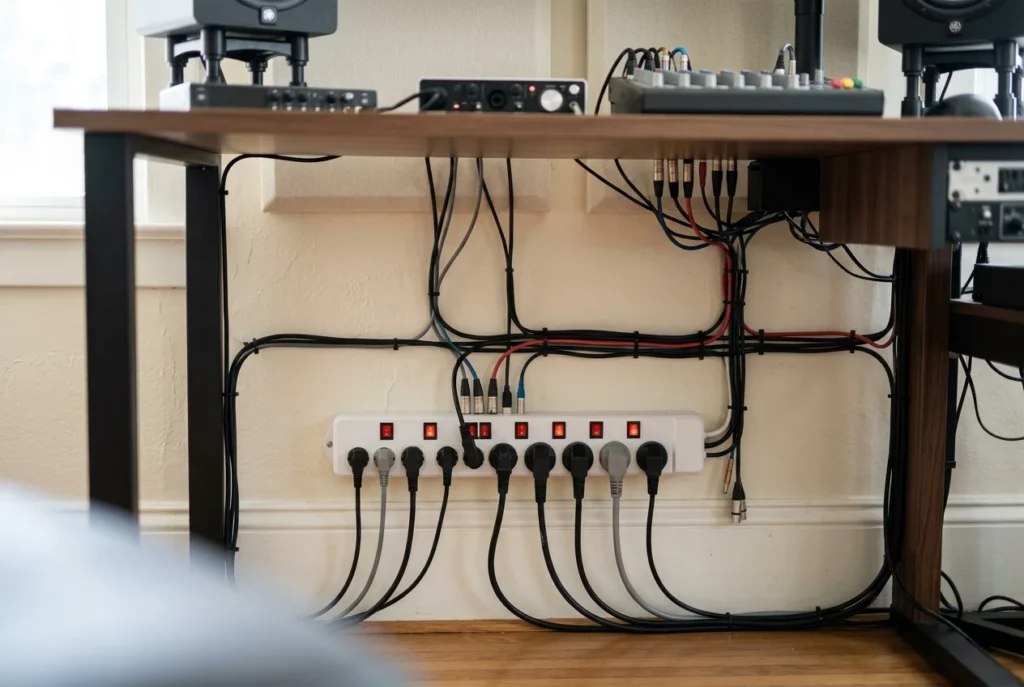
1. Run everything from one power board
Plug your computer, interface, monitors and anything else connected by audio cables into the same power board, on one wall socket. That puts every device on the same earth point, and in a lot of rooms the hum simply stops.
Use one good quality power board with enough outlets. Don’t plug power boards into other power boards or double adaptors to get there.
2. Use balanced cables to your monitors
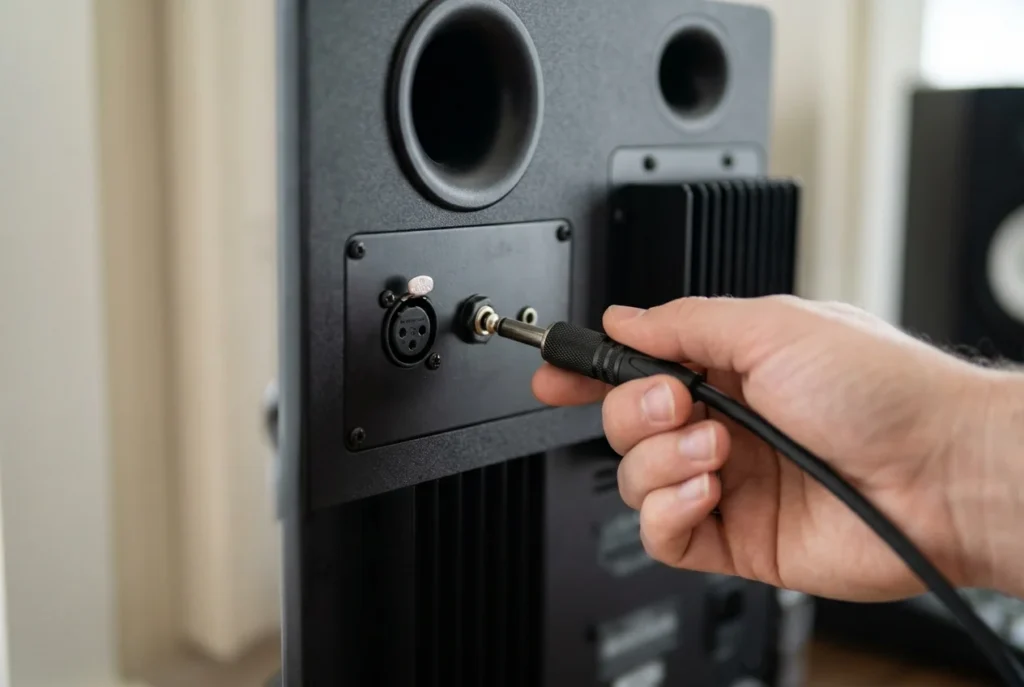
Running RCA or guitar style TS cables from an interface to studio monitors is one of the most common causes of hum in home studios. If both your interface outputs and your monitor inputs are balanced (TRS jack or XLR), use TRS to TRS or TRS to XLR cables. Balanced connections reject most of the noise a loop puts on the line.
Check your interface manual before you buy cables. Some budget interfaces have unbalanced outputs, and a balanced cable won’t change that.
3. Sort out the laptop
If the battery test killed the hum, the loop runs through the charger and USB. Try the charger in the same power board as everything else first. If that doesn’t do it, a USB isolator between the laptop and the interface breaks the loop on the USB side.
4. Use the ground lift on a DI box
Keyboards, guitars into a PA and other instrument level sources should go through a DI box anyway. A passive DI with a transformer and a ground lift switch, like the ART ZDirect, separates the earth of the instrument from the earth of the desk. Flip the lift switch and listen. If the hum goes, leave it there.
The ground lift on a DI only disconnects the audio shield between the two sides. The gear stays safely earthed through its power plug, which is how it should be.
5. Put an isolation transformer on the line
For line level connections you can’t change, like a hi-fi feeding a mixer or an unbalanced output feeding studio monitors, an isolation transformer gives full electrical separation between the two devices. The ART CleanBox II has two transformers for a stereo pair, needs no power, and uses 6.35 mm jacks that take balanced or unbalanced cables. Sound On Sound’s review notes a small level drop of around 3 to 4 dB through it, which you make up with the volume knob.
Never lift the safety earth
Don’t break off the earth pin, tape over it, use an adaptor that skips it, or cut the earth wire in a power lead. It often does stop the hum. It also means a fault inside that device can make its metal case live, with nothing to carry the fault current safely away.
Modifying a plug or power lead isn’t a DIY job either. Ausgrid puts it plainly: DIY electrical work is dangerous, and it’s illegal unless you’re licensed. Every fix in this guide breaks the loop on the audio side, where it’s safe to do it.
Common setups and what usually fixes them
| Setup | Where the loop usually is | Fix to try first |
|---|---|---|
| Laptop, USB interface and powered monitors | Laptop charger through USB | Same power board, then a USB isolator |
| Desktop PC with interface and monitors on different walls | Two different power sockets | One power board for everything |
| Interface to monitors with RCA or TS cables | Unbalanced audio cables | Balanced cables, or an isolation transformer if the outputs are unbalanced |
| Keyboard or guitar into a PA or mixer | Instrument earth to desk earth | DI box with the ground lift on |
| One microphone feeding two systems (stage and recording) | Between the two systems | A transformer isolated mic splitter like the ART ProSplit |
| Hi-fi amp that hums when the TV or antenna cable is connected | Through the antenna or cable TV lead | Unplug the antenna lead to confirm, then isolate that connection |
When it isn’t a ground loop
If none of the above changed anything, look at these:
- Cables running alongside power leads. Cross audio and power cables at right angles instead of bundling them together, and keep audio leads away from plug packs.
- A faulty cable. A broken shield in one lead causes a loud buzz. Swap cables one at a time.
- Single coil pickups. They pick up hum from screens, dimmers and transformers. Turning around in the room changes it, which a ground loop never does.
- Gain staging. Hiss that rises when you turn up a preamp is noise, not hum. Set your input gain properly and bring the level up later in the chain.
Frequently asked questions
Is ground loop hum dangerous?
The hum itself isn’t. It’s a small current on the audio cable shield. What can be dangerous is the fix people reach for, which is removing the earth from a power plug. Stick to fixes on the audio side.
Will a power conditioner fix ground loop hum?
Usually not on its own. A power conditioner filters the mains, but a ground loop is about earth paths between devices. Where it does help, it’s often because everything ended up plugged into one unit.
Why do my monitors only hum when my laptop is charging?
The charger connects the laptop to the mains, and the USB cable connects the laptop to your interface. That closes a loop. Try the charger in the same power board as your interface and monitors, and use a USB isolator if that’s not enough.
Does a hum eliminator affect sound quality?
A good transformer box is very clean across the audio range, but it does drop the level a little. With the CleanBox II that’s around 3 to 4 dB, which you won’t notice once you’ve turned the volume up to match.
Can I just fix the hum with EQ?
You can notch out 50 Hz and 100 Hz on a recording, but it also takes out real bass from kick drums and bass guitar. Fixing the loop is better than fixing the recording.
Found the connection that hums?
Pick the box that fits it: a DI with a ground lift for instruments, a transformer isolator for line level gear.
Off The Record: 12 studio secrets nobody bothers to tell you
Why does the radio sound huge while your song sounds small? This free guide answers that and eleven other questions, with simple steps you can try in your next session.
