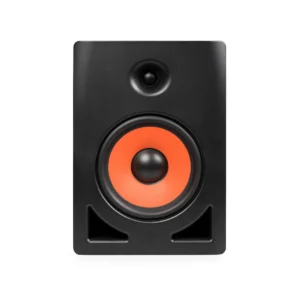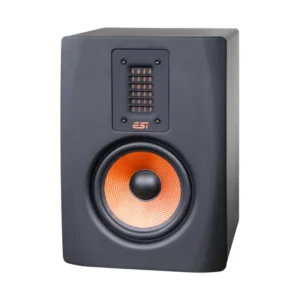
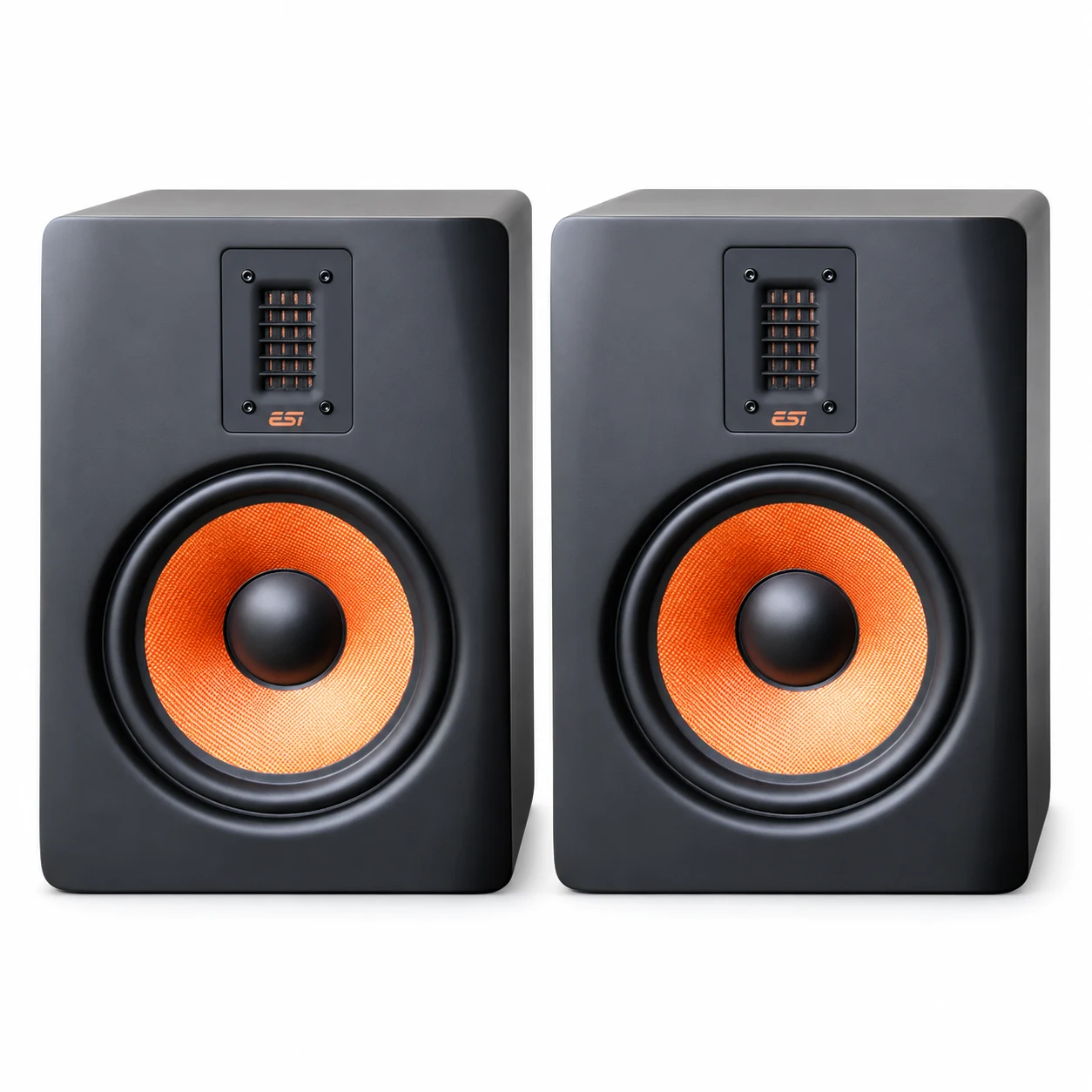
ESI uniK 08+ Biamp 2-way Professional Active Reference 8″ Studio Monitor (Pair)

In stock
- 8″ Kevlar curved-cone woofer, magnetically shielded
- Low-mass magnetostatic tweeter for fast, detailed highs
- 140W bi-amp power (70W HF + 70W LF)
- 37Hz to 25kHz frequency response
- Character, high and low room controls plus bass port plug
- Sold as a single monitor: order two for a stereo pair
 ESI uniK 08+ Biamp 2-way Professional Active Reference 8" Studio Monitor (Pair)
 ESI uniK 08+ Biamp 2-way Professional Active Reference 8" Studio Monitor (Single)
What's in the bundle
$1,199 $1,338
In stock
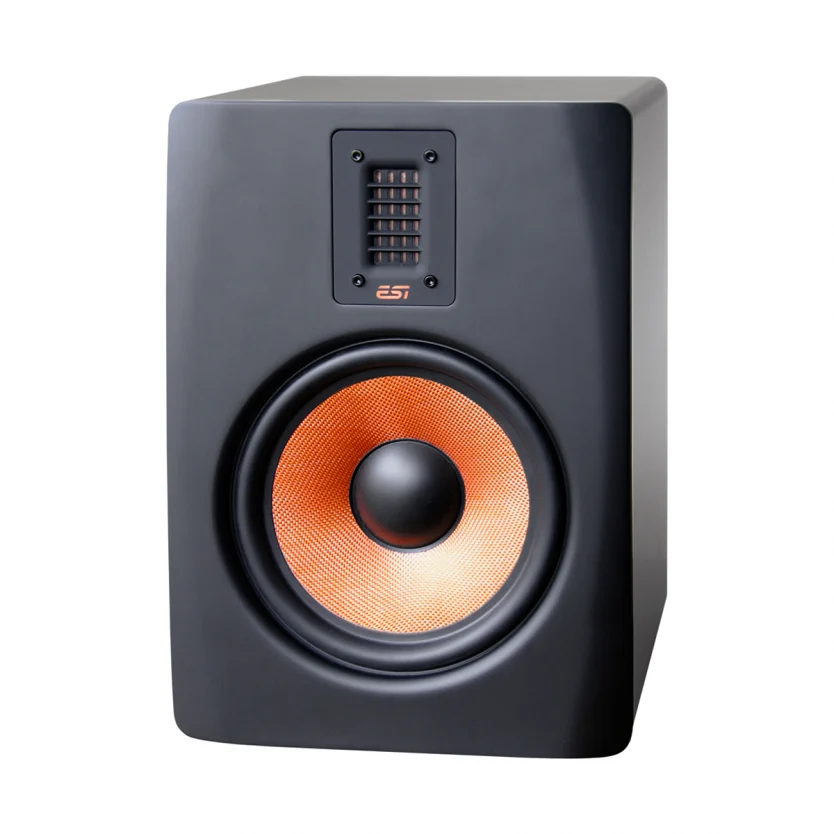
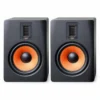
The ESI uniK 08+ is an 8-inch, bi-amped 2-way active studio monitor for producers, mix engineers and home studio owners who need full-range monitoring with extended low end. It pairs an 8″ Kevlar curved-cone woofer with a low-mass magnetostatic tweeter, and it is sold as a single unit, so a stereo setup needs two.
Magnetostatic Tweeter and Kevlar Woofer
Most monitors at this price use a soft or metal dome tweeter. The uniK 08+ uses a 49 x 26mm magnetostatic tweeter with very low moving mass, which gives extended high-frequency response, fast transients and fine detail. It is a newer design than the one in the original uniK 08.
The 8″ woofer uses a stiff Kevlar composite cone. That stiffness helps it move as a clean piston, so bass stays tight. The woofer is magnetically shielded, so you can use the monitor on a desk near a screen.
Power, Crossover and Low-End Reach
Two internal amplifiers drive the drivers separately: 70W for the tweeter and 70W for the woofer, 140W in total. A built-in crossover at 3.2kHz splits the signal and protects each driver with its own power limiting. Frequency response runs from 37Hz to 25kHz, so most of the bass range is audible without a subwoofer.
Room Controls That Actually Help
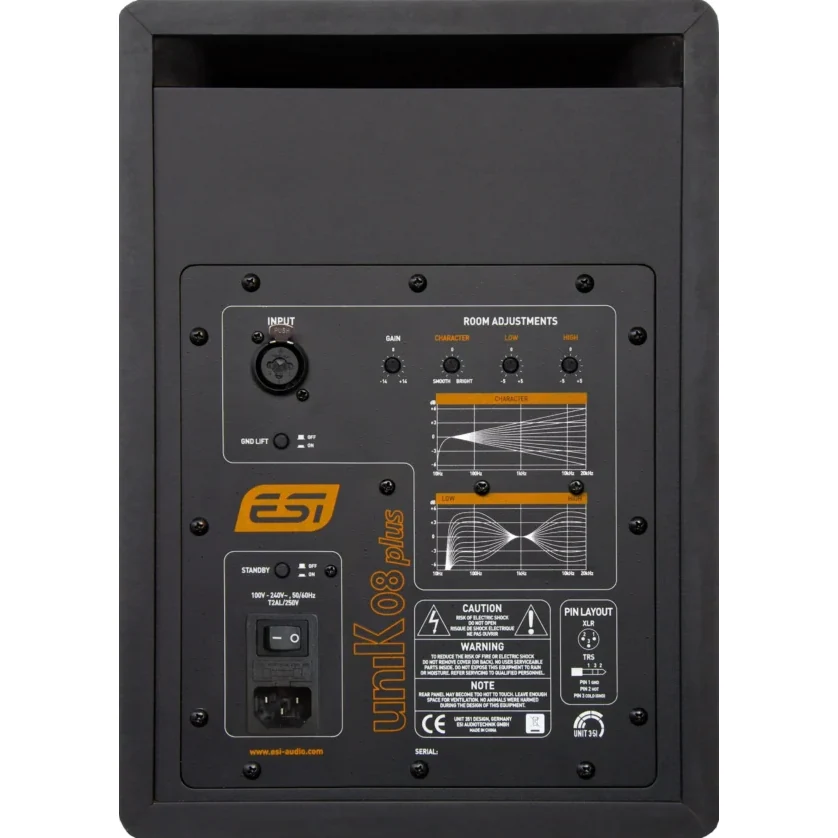
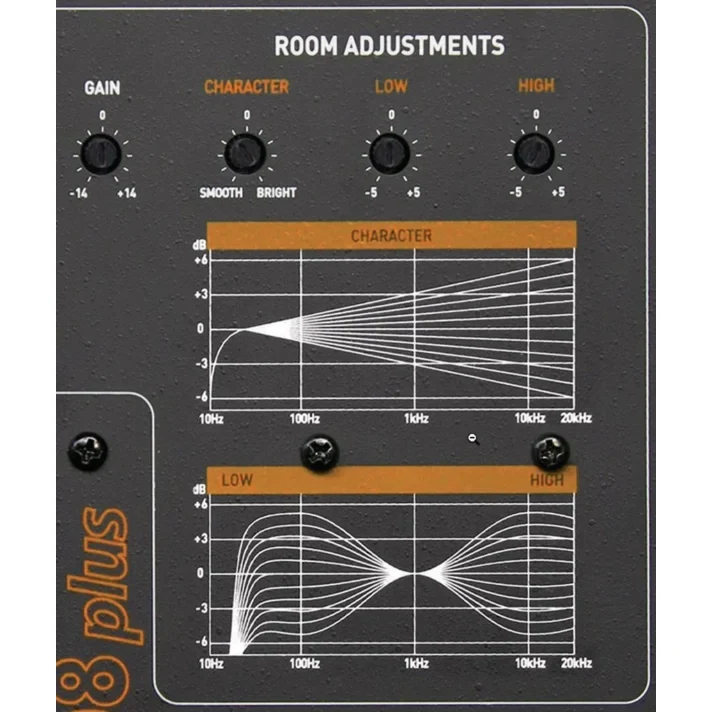
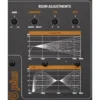
Few rooms are acoustically ideal, and the rear panel gives you tools to compensate:
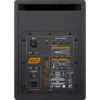
- Character (-6 to +6) to tilt the overall tone from smooth to bright
- High shelf at 10kHz (-5 to +5dB) for bright or dead rooms
- Low shelf at 100Hz (-5 to +5dB) to tame bass build-up
- Gain from -14 to +14dB to match your interface output
The monitor has a rear bass port. If it has to sit close to a wall or in a corner, or your room is small, fit the included bass port plug. It turns the ported design into a closed one and cuts boundary bass boom.
Connections and Practical Features
One XLR/TRS combo input accepts balanced or unbalanced signals. Input impedance is 27.2kOhm balanced and 13.6kOhm unbalanced. A ground lift switch helps remove hum from ground loops. A standby function saves power when there is no signal, and you can disable it if you prefer the monitor always on. A front LED glows orange when the monitor is on and red in standby. Four rubber feet with separately adjustable height reduce vibration and let you angle the monitor towards your ears.
Who Is It For?
- Producers of hip hop, electronic and film music who need to hear sub-bass without a subwoofer
- Mix engineers in medium-sized rooms who want an 8-inch nearfield with room correction controls
- Home studio owners stepping up from 5-inch monitors
It is not ideal for very small desks or tiny rooms. At 252 x 352 x 319mm and 8.1kg each, it needs proper stands or a deep desk. In a small room a 5-inch monitor is often easier to manage.
uniK 08+ vs uniK 05+
The uniK 05+ uses the same design ideas: Kevlar woofer, magnetostatic tweeter, 3.2kHz crossover and room controls. Its 5″ woofer and 80W (40W + 40W) amplification reach down to 49Hz, with 101dB SPL. The uniK 08+ goes 12Hz lower to 37Hz, has 140W of power and reaches 105dB SPL. Choose the 05+ for compact rooms and the 08+ when bass accuracy and headroom matter more than size. Browse more options in our active studio monitors range.
Key Features
- Bi-amp 2-way active reference monitor
- 8″ Kevlar curved-cone woofer, magnetically shielded
- Low-mass magnetostatic tweeter, 49 x 26mm
- 140W total power (HF 70W, LF 70W)
- 37Hz to 25kHz frequency response, 3.2kHz crossover
- Character, high and low room adjustment controls
- XLR/TRS combo input, balanced or unbalanced
- Bass port plug, ground lift and switchable standby
FAQ
Is the ESI uniK 08+ sold as a pair?
No. This listing is for one monitor. For stereo monitoring, add two to your cart.
Do I need a subwoofer with the uniK 08+?
For most nearfield mixing, no, because response reaches 37Hz. If you work on film scores or club music and need to check the lowest octave, you can add a subwoofer such as the ESI aktiv 10s.
When should I use the bass port plug?
Use it when the monitor sits near a wall or in a corner, or in a small room where bass sounds boomy. Without the plug, the monitor works best with some space behind it.
Can I connect it to an audio interface or mixer?
Yes. Use balanced XLR or TRS cables from your interface or mixer outputs for the lowest noise. The combo input also accepts unbalanced jack signals. There are no RCA inputs.
What does the Character control do?
It adjusts the overall tonal balance from smooth to bright. Use it with the high and low shelves to match the monitor to your room’s acoustics.
Can I place it near my computer screen?
Yes. The woofer is magnetically shielded for desktop use. For accurate stereo imaging, keep the tweeters at ear height. Explore more studio monitors if you need a different size.
| Weight | 19 kg |
|---|---|
| Dimensions | 95.2 × 76.1 × 66 cm |
| brands | Esi Audiotechnik |
Specifications
| Specification | Details |
|---|---|
| Type | Bi-amp 2-way active studio monitor (single) |
| HF Driver | Low-mass magnetostatic tweeter, 49 x 26mm |
| LF Driver | 8″ Kevlar curved cone, magnetically shielded |
| Output Power | 140W (HF 70W, LF 70W) |
| AC Power Consumption | 160W |
| Frequency Response | 37Hz – 25kHz |
| Crossover Point | 3.2kHz |
| SPL | 105dB, peak 108dB |
| Input Connector | XLR / 1/4″ TRS combo, balanced / unbalanced |
| Input Impedance | 27.2kOhm balanced / 13.6kOhm unbalanced |
| Gain Control | -14 to +14dB |
| Character Control | -6 to +6 |
| Low Control | -5 to +5dB at 100Hz |
| High Control | -5 to +5dB at 10kHz |
| Enclosure | Rear bass reflex port, bass port plug included |
| Other Features | Ground lift switch, switchable standby, multi-colour front LED |
| Feet | 4 rubber feet, separately height-adjustable |
| Operating Voltage | AC 100-240V 50/60Hz |
| Dimensions (W x H x D) | 252 x 352 x 319mm |
| Weight | 8.1kg |
| In the Box | Monitor, bass port plug, power cord, user manual |
Related products
-
-
Active Studio Monitors
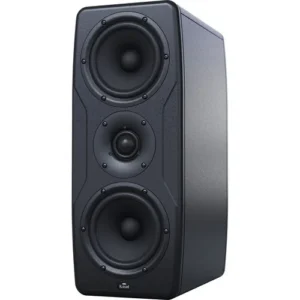
IK iLoud Precision MTM – Handcrafted 2 x 5″ Digitally Controlled Studio Monitor (Single Unit)
 Active Studio Monitors
IK iLoud Precision MTM – Handcrafted 2 x 5″ Digitally Controlled Studio Monitor (Single Unit)
- Two 5″ Ultralight Paper Mid-Woofers
- 1.5″ Chambered Textile Dome Tweeter
- Class-D 175W RMS Amplifier
- DSP-Controlled Acoustic System (96 kHz)
- Frequency Response: 45 Hz to 30 kHz
- Linear Phase Response ±20° from 150 Hz Up
- Built-In ARC Calibration System with Mic
- X-MONITOR Control Software
- Combo XLR-1/4″ Input
- Includes 4 Isolation Pods
SKU: IKMT_MON-PRECISION-MTM-IN -
Active Studio Monitors
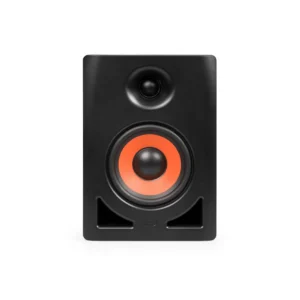
ESI uniK 05+ Biamp 2-way Professional Active Reference 5″ Studio Monitor (Single)
Active Studio MonitorsESI uniK 05+ Biamp 2-way Professional Active Reference 5″ Studio Monitor (Single)
- 5″ Kevlar Woofer
- Low-Mass Magnetostatic Tweeter: 1.9 x 1″
- Amplifier: 80W (HF-40W, LF-40W)
- Magnetically Shielded for Desktop Use
- XLR-1/4″ Combo Input
- Frequency Response: 49 Hz to 25 kHz
- SPL: 101 dB, Peak: 104 dB
- Crossover: 3.2 kHz
- Standby Function
- Bass Port Plug Included
SKU: ESIA_UNIK05+ -