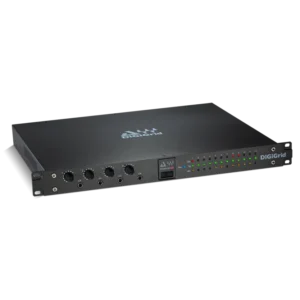
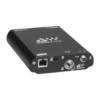
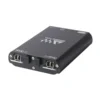
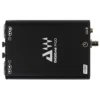
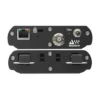
DiGiGrid MGO Optical MADI to SoundGrid Interface

In stock
- Connects any optical MADI device to a Waves SoundGrid network
- Up to 128 channels in and out at 48 kHz, 64 at 96 kHz
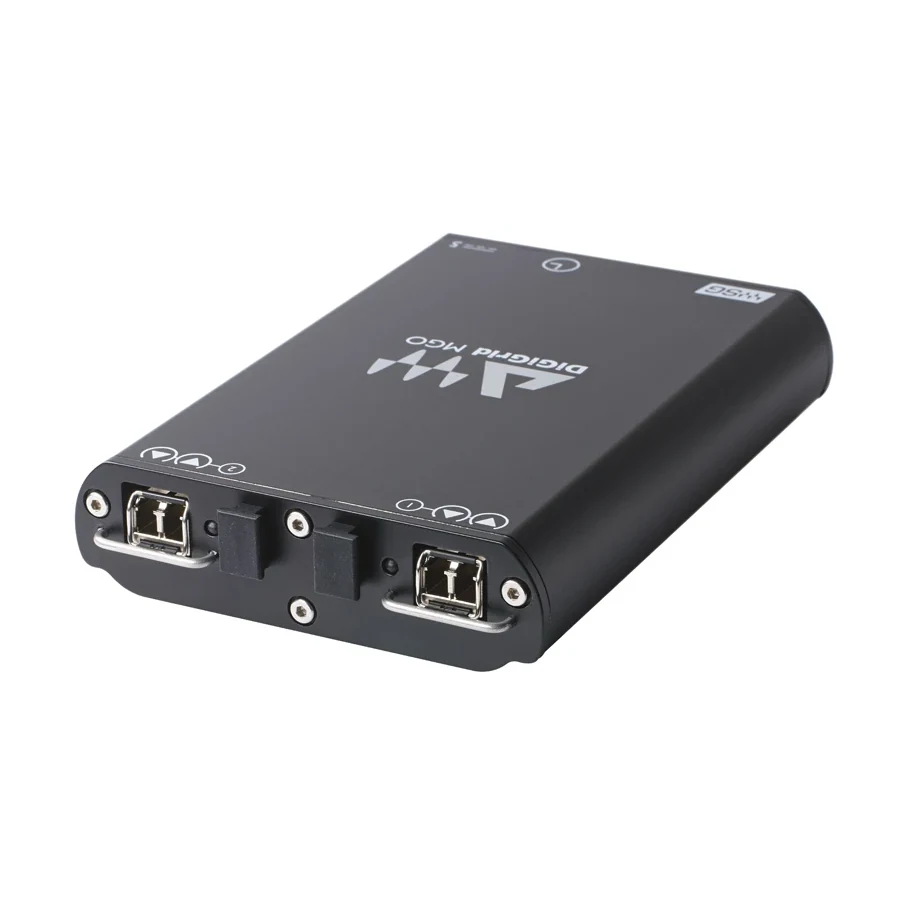
- Two optical MADI ports with LC connectors on SFP modules
- Record to two computers at once for virtual soundcheck and backup
- One Ethernet cable to your computer, switch or SoundGrid server
- Compact 0.4 kg unit with universal power supply
$3,419
In stock
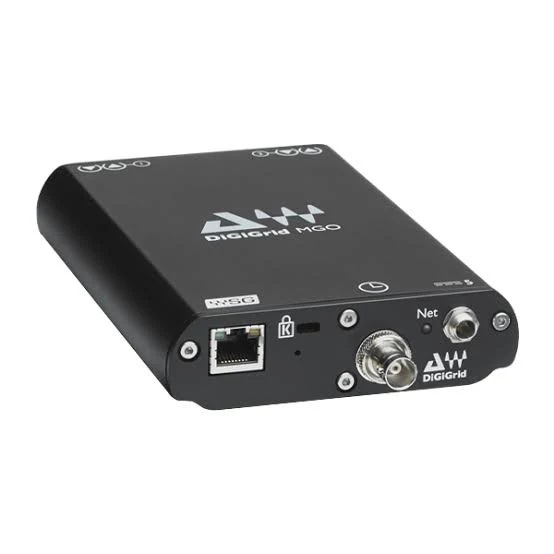
The DiGiGrid MGO is an optical MADI to SoundGrid interface that connects any MADI-equipped console, stage box or recorder to the Waves SoundGrid network. It is built for live sound engineers, broadcast teams and studios with MADI desks who want multitrack recording, virtual soundcheck and real-time Waves plugin processing over a single Ethernet cable.
MADI In, SoundGrid Out
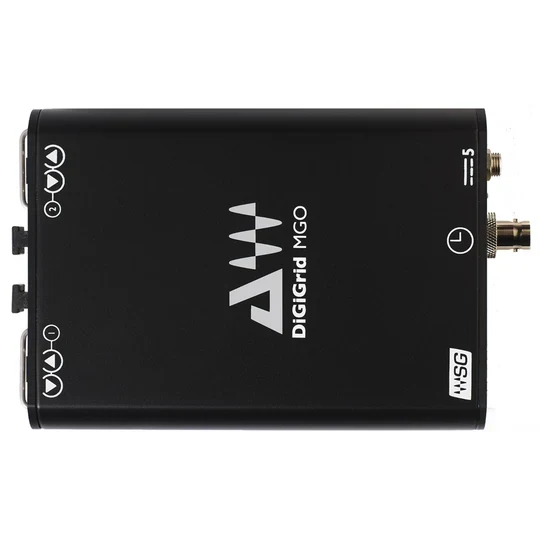
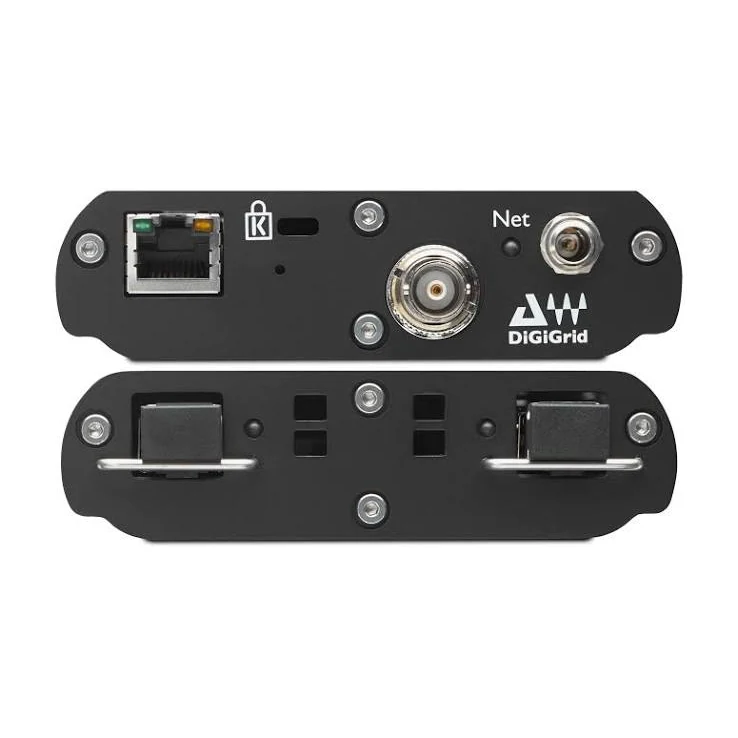
The MGO has two optical MADI ports with LC connectors on SFP modules, plus one SoundGrid Ethernet port. It records, processes and plays back up to 128 channels at 44.1 or 48 kHz (112 or 128 channels, matching 56 or 64-channel MADI modes), or up to 64 channels at 88.2 or 96 kHz. If you need longer fibre runs, the standard transceivers can be replaced with optional single-mode transceivers.
Clock can come from a word clock input, from MADI port A, from the SoundGrid network (Sync over Ethernet), or from the MGO’s internal clock, and a reset switch is on hand for troubleshooting. Turramurra Music also lists support for DiGiCo Stage Rack channel 57.
Two Ways to Use It
Native recording: connect a single MGO directly to your computer’s gigabit Ethernet port and it works as an ASIO / Core Audio interface, so your DAW can record every MADI channel from the console and play them back for virtual soundcheck.
SoundGrid processing: add a SoundGrid DSP server and a SoundGrid-compatible switch, then use Waves MultiRack SoundGrid or SoundGrid Studio to run Waves and other SoundGrid plugins on the console’s channels in real time, while still recording. A SoundGrid server is required for this processing mode.
Record to Two Computers
The MGO can record to two computers at the same time, so one machine can handle the main multitrack or virtual soundcheck while the other records a backup. This needs a SoundGrid-compatible switch between the MGO and both computers. Templates in SoundGrid Studio help with common setups, such as a single unit for record and playback, or two units side by side.
What You Need
- A console, stage box or recorder with optical MADI
- A computer with a gigabit Ethernet port
- The DiGiGrid MGB/MGO driver and SoundGrid Studio, installed and activated through Waves Central after registering the unit
- A SoundGrid-compatible network switch if you use more than one SoundGrid device or more than one computer
- A SoundGrid DSP server if you want to process plugins on the network
Who Is It For?
- Front-of-house and monitor engineers who want to record every show for virtual soundcheck.
- Touring and rental companies adding Waves plugin processing to an existing MADI console.
- Broadcast and installation teams bridging MADI systems to a SoundGrid network.
- Studios with MADI desks that want high channel counts on one Ethernet cable.
It is not for you if your console uses coaxial (BNC) MADI, or has no MADI at all.
DiGiGrid MGO vs MGB and MGR
The DiGiGrid MGB is the same interface with coaxial BNC MADI connections instead of optical, so the choice depends on the MADI connectors on your console. For larger systems, the rackmount DiGiGrid MGR holds up to four MADI modules (the same BNC and optical modules used in the MGB and MGO), adds redundant power supplies and a built-in network switch, and records up to 128 channels at 96 kHz. For analogue inputs on the same network, see our SoundGrid audio interfaces, or browse live sound and installation gear.
Key Features
- Optical MADI to SoundGrid interface
- 2 optical MADI ports, LC connectors on SFP modules
- 112/128 channels in and out at 44.1/48 kHz, 56/64 at 88.2/96 kHz
- Supports 56 and 64-channel MADI modes
- Clock sync via word clock, MADI port A, SoundGrid or internal
- 1 SoundGrid RJ45 Ethernet port and reset switch
- Record to two computers at the same time
- Works with DAWs via ASIO / Core Audio, and with MultiRack SoundGrid
- Optional single-mode transceivers for long fibre runs
- Universal power supply with AU, UK, US and EU plugs
Frequently Asked Questions
Does the DiGiGrid MGO need a SoundGrid server?
Only for plugin processing. For multitrack recording and playback, a single MGO can connect straight to a computer’s gigabit Ethernet port.
What is the difference between the MGO and the MGB?
Both are MADI to SoundGrid interfaces. The MGO uses optical MADI and the MGB uses coaxial BNC MADI. Choose the one that matches your console’s MADI connectors.
How many channels can it record?
Up to 128 channels in and 128 out at 44.1 or 48 kHz, and up to 64 at 88.2 or 96 kHz, depending on the MADI channel mode.
Can I record a backup at the same time?
Yes. The MGO can record to two computers at once through a SoundGrid-compatible switch, for example one for virtual soundcheck and one for backup.
Can I run longer fibre cables?
Yes. The standard transceivers can be upgraded to optional single-mode transceivers when you need longer optical runs.
| Weight | 1.04 kg |
|---|---|
| Dimensions | 11.2 × 14.7 × 21.3 cm |
| brands | Digigrid |
Specifications
| Specification | Details |
|---|---|
| MADI Connections | 2 x optical MADI, LC connectors on SFP modules |
| Network | 1 x SoundGrid RJ45 Ethernet port |
| Sample Rates | 44.1, 48, 88.2, 96 kHz |
| Channels at 44.1/48 kHz | 112/128 in and out |
| Channels at 88.2/96 kHz | 56/64 in and out |
| MADI Modes | 56 and 64 channel |
| Clock Sync | Word clock input, MADI port A, SoundGrid (Sync over Ethernet), internal |
| Other | Reset switch |
| Simultaneous Recording | Up to 2 computers |
| Power | Universal adaptor, 100–240 V, AU/UK/US/EU plugs |
| Dimensions (H x W x D) | 148.2 x 106 x 29 mm |
| Weight | 0.4 kg |
| In the Box | MGO, universal power adaptor, Cat 5e Ethernet cable (2 m), registration card |
Related products
-
Audio Interfaces
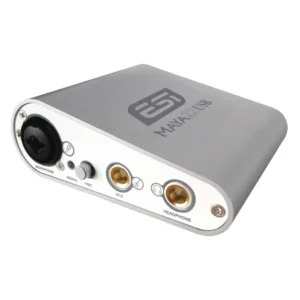
ESI MAYA22 USB Flexible High Performance 24-bit USB Audio Interface
- XLR Input with +48V Phantom Power
- 1/4″ Hi-Z Instrument Input for Guitar
- 2 RCA Inputs
- 2 1/4″ TRS Line Outputs
- 1/4″ Headphone Output
- 24-Bit / 96 kHz Sample Rate
- Compatible with Mac or Windows Computers
SKU: ESIA_MAYA22USB -
Audio Interfaces
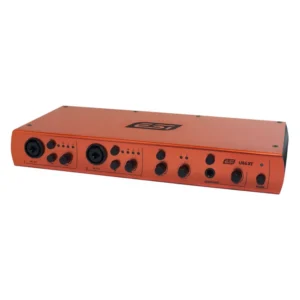
ESI U86 XT Professional 24-bit USB Audio Interface with 8 Inputs / 6 Outputs
- High Speed USB 2.0 Computer Interface
- 2 x Mic Preamps with +48V Phantom Power
- 24-Bit / 96 kHz Audio Processing
- 8 Inputs / 6 Outputs
- 2 x Combination XLR-1/4″ Inputs
- 2 x 1/4″ Main Outputs
- 1 x 1/4″ Headphone Output
- 1/4″ Line I/O, MIDI I/O & S/DPIF via RCA
- Supports Mac & Windows
- Includes Software & Power Supply
SKU: ESIA_U86XT