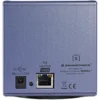
DiGiGrid S 5-Port Gigabit PoE Network Switch for SoundGrid

In stock
- 5-port gigabit network switch matching the DiGiGrid desktop range
- 4 PoE ports power DiGiGrid D, M and Q without their own supplies
- 1 upstream port for your computer or main SoundGrid network
- PoE status LED on each powered port
- Plug and play, no software or setup required
- Compact 9 cm footprint for the desk
$569
In stock
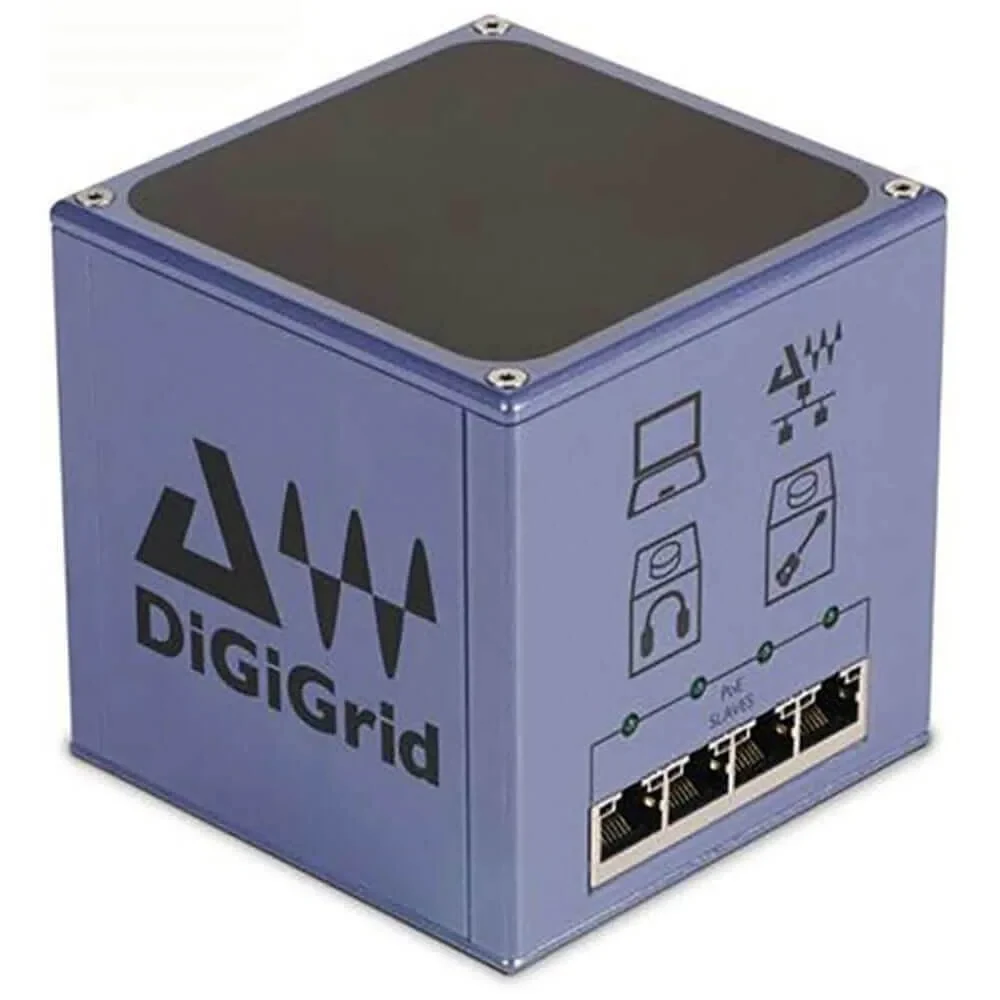
The DiGiGrid S is a compact five-port gigabit network switch with Power over Ethernet, made to network and power the DiGiGrid desktop interfaces. It is for SoundGrid users running a DiGiGrid D, M or Q (or several of them) who want one tidy cable to each unit instead of a separate power supply on every box.
Network and Power on One Cable
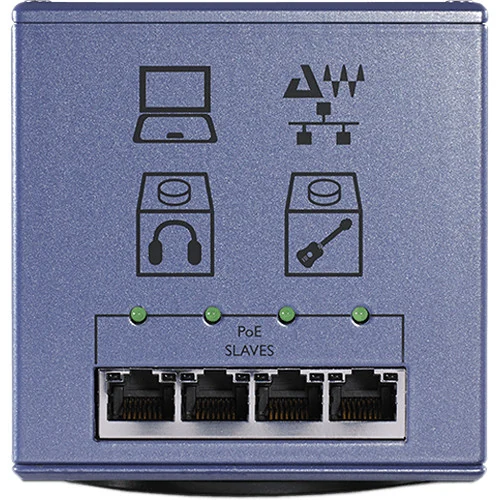
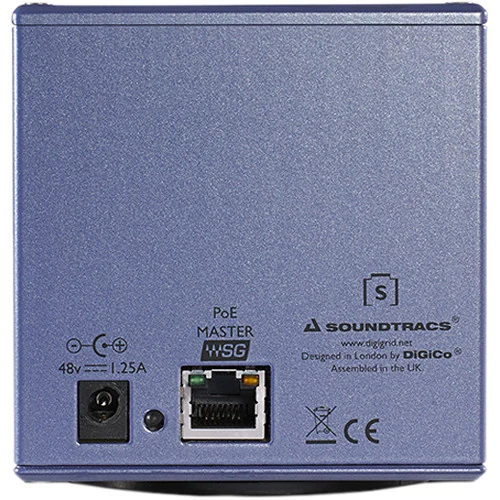
The S has four PoE ports on the front and one non-PoE upstream port on the rear. The upstream port connects to your computer’s Ethernet port, to an existing SoundGrid network, or to SoundGrid devices that don’t need power. The four front ports carry both audio data and power to DiGiGrid D, M and Q interfaces, so those units run without their own 12 V supplies. Each powered port has a status LED that lights only when the connected device is drawing PoE power.
The PoE ports follow the 802.3af (802.3at Type 1) standard, delivering up to 12.95 W per device. If you plug a non-PoE device into a front port, the S simply works as a normal switch for that port.
Build a SoundGrid System Around It
With the S at the centre, you can connect up to four DiGiGrid desktop units, each up to 75 metres away, plus your computer. A typical setup is a DiGiGrid D on the desk, a DiGiGrid M in the vocal booth for the performer’s mic and headphones, and a DiGiGrid Q for a second headphone mix, all powered and connected from one switch. Spare ports can also take a SoundGrid DSP server or rackmount DiGiGrid I/O such as the IOX.
The S needs no software or configuration. Your interfaces, routing and plugins are still set up in SoundGrid Studio on the computer as usual.
Good Network Practice
Waves recommends keeping a SoundGrid network private, with SoundGrid devices only, because other traffic on the same switch can cause audio dropouts. Use Cat 5e or Cat 6 cables, keep runs from the switch to interfaces under 100 metres, and keep the cable to a SoundGrid server short. The S is powered by its own 48 V DC supply, which should not be used with any other device.
Do You Need the DiGiGrid S?
Any SoundGrid system with more than one device needs a gigabit switch, and Waves publishes a list of approved third-party switches. The S is worth choosing when you want Power over Ethernet for your DiGiGrid desktop units, matching size and styling on the desk, and a single cable to each interface. If you only have one DiGiGrid unit plugged straight into your computer, or don’t mind using each unit’s own power supply, you don’t need it.
Who Is It For?
- DiGiGrid D, M and Q owners who want to remove power supplies from the desk and the vocal booth.
- Studios expanding a SoundGrid system with extra I/O in other rooms.
- Schools and multi-room facilities running several desktop interfaces from one point.
Key Features
- 5-port 1000Base-T (gigabit) network switch
- 4 front-mounted PoE ports, 802.3af (802.3at Type 1)
- Up to 12.95 W of power per connected device
- 1 rear-mounted non-PoE upstream port
- PoE power status LED for each port
- Powers DiGiGrid D, M and Q interfaces over Ethernet
- Works as a normal switch for non-PoE devices
- No software required
- Dedicated 48 V DC power supply
Explore SoundGrid audio interfaces to connect to it, or browse more studio and recording gear.
Frequently Asked Questions
Which devices can the DiGiGrid S power?
Its four PoE ports power DiGiGrid desktop interfaces: the D, M and Q. Other SoundGrid devices can connect to it for networking, using their own power.
Do I need software to set it up?
No. The S works as soon as it is powered and connected. Your audio devices are configured in SoundGrid Studio as usual.
Can I use a regular network switch instead?
Yes, for networking. Waves lists approved gigabit switches for SoundGrid. The S adds Power over Ethernet for the DiGiGrid desktop range, which most standard switches don’t provide.
How far can my interfaces be from the switch?
DiGiGrid desktop units can be up to 75 metres from the S, and Waves supports Ethernet runs of up to 100 metres from a switch to SoundGrid interfaces.
Can I plug my computer into a PoE port?
The rear upstream port is the intended connection for your computer or main network. A non-PoE device plugged into a front port is treated as a normal switch connection and receives no power.
| Weight | 1.81 kg |
|---|---|
| Dimensions | 12.2 × 29.7 × 34.8 cm |
| brands | Digigrid |
Specifications
| Specification | Details |
|---|---|
| Type | 5-port 1000Base-T gigabit network switch |
| PoE Ports | 4 (front), 802.3af / 802.3at Type 1 |
| Power per PoE Port | Up to 12.95 W at 48 V |
| Upstream Port | 1 rear non-PoE SoundGrid network port |
| Indicators | PoE power status LED per port |
| Powers | DiGiGrid D, M and Q |
| Software | None required |
| Power Supply | Dedicated 48 V DC supply |
| Dimensions (W x H x D) | 9 x 9.45 x 9 cm |
| Weight | 0.55 kg |
Related products
-
Audio Interfaces
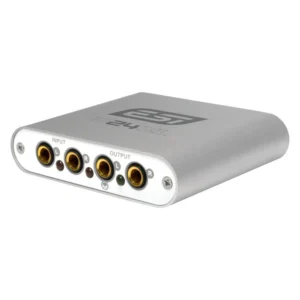
ESI U24 XL 24-bit USB Audio Interface for PC and Mac with S/PDIF I/O
- For DJs and Remixers
- USB Connectivity
- Two 1/4″ TRS Line Inputs
- Two 1/4″ TRS Line Outputs
- Left Line Out Servers as Headphone Out
- 24-Bit / 48 kHz Digital Resolution
- Optical and Coaxial S/PDIF I/O
- Real-Time Input Monitoring
- Bus Powered / Mac and Windows
SKU: ESIA_U24XL -
Audio Interfaces, MIDI & Keyboards, MIDI Keyboards, Monthly Deals, Studio & Recording
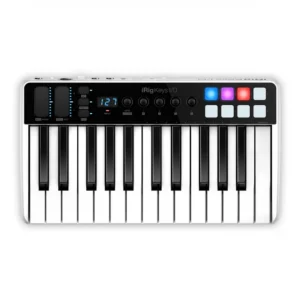
IK iRig Keys I/O 25 – Keyboard Controller with Audio Interface & 25 Full-Size Keys
 Audio Interfaces, MIDI & Keyboards, MIDI Keyboards, Monthly Deals, Studio & Recording
IK iRig Keys I/O 25 – Keyboard Controller with Audio Interface & 25 Full-Size Keys
- 25 full-size, velocity-sensitive keys in a compact, lightweight body
- Built-in 24-bit/96 kHz audio interface with mic, line and guitar input
- 48V phantom power for condenser mics, even on battery power
- 8 velocity-sensitive pads plus touch-sensitive knobs and strips
- Works with iPhone, iPad, Mac and PC, on USB or 4 x AA batteries
SKU: IKMT_IP-IRIG-KEYIO25 -
Audio Interfaces
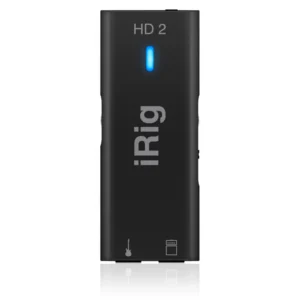
IK iRig HD 2 – Pro Quality Digital Guitar Interface for iPhone, iPad, Mac/PC
- Compatible with iOS, Mac & PC
- 1 x 1/4″ Instrument / Line-Level Input
- 1 x 1/4″ Output for Use with Amplifiers
- Dual-Mode Switch for Output: FX & THRU
- 1 x 3.5mm Headphone Output
- Input Gain Control
- Includes Full Versions of AmpliTube 4
SKU: IKMT_IP-IRIG-HD2-IN