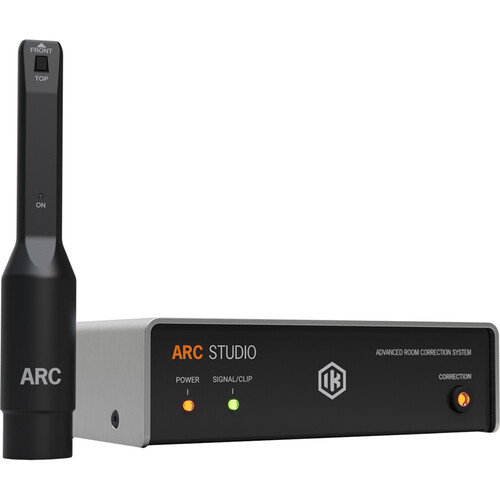
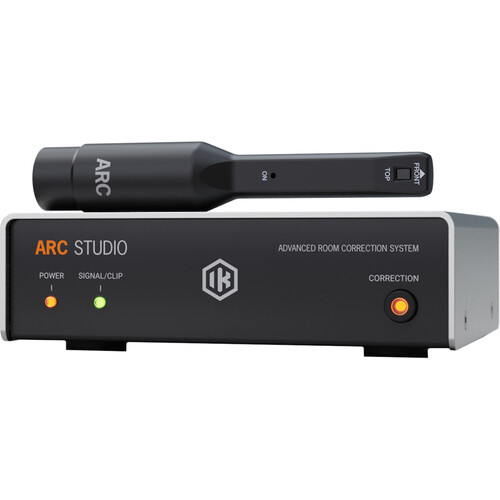
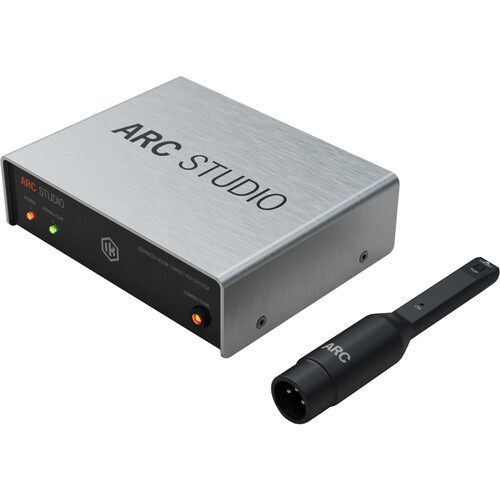
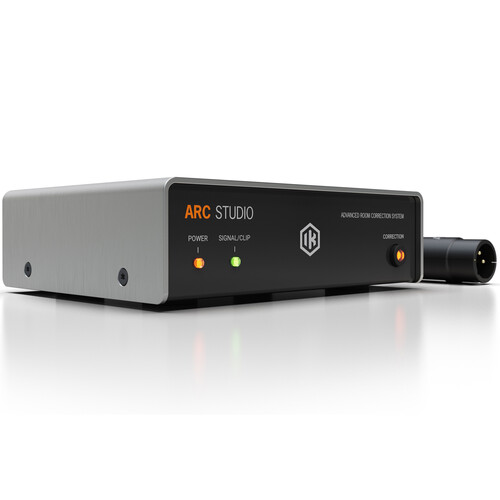


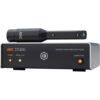
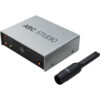
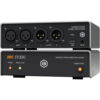
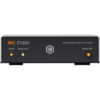
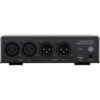
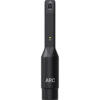
IK Multimedia ARC Studio Room Correction System with Measurement Microphone

In stock
- Standalone hardware room correction that sits between your interface and your monitors
- Corrects everything you hear, not only audio inside your DAW
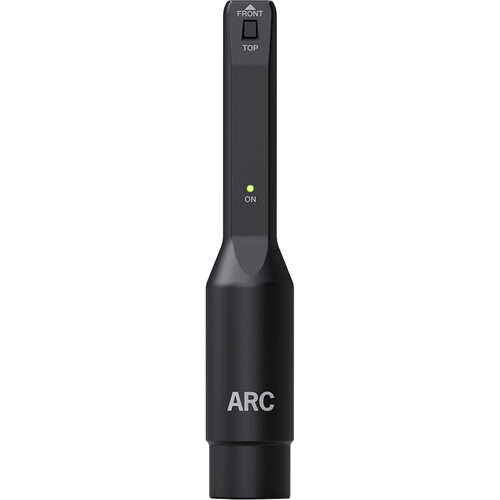
- ARC measurement microphone and clamp included
- 1.4 ms latency in Natural Phase mode, or linear phase when you need it
- Keeps its correction profile with the computer off
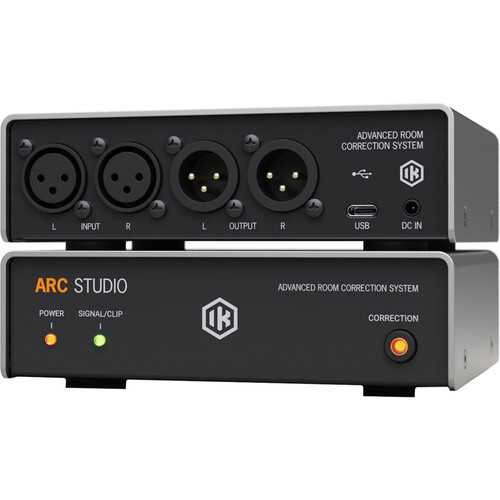
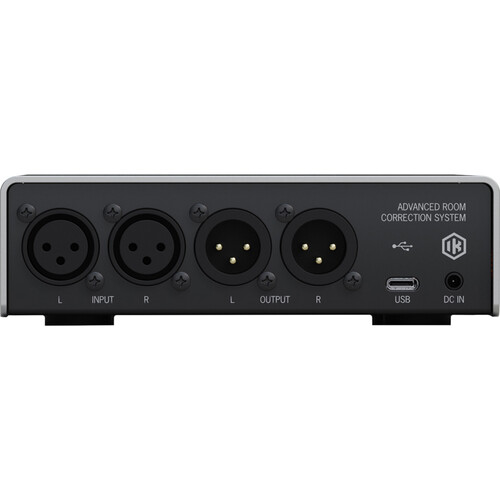
- Compact 14.4 x 12 cm box with balanced XLR I/O
$599
In stock
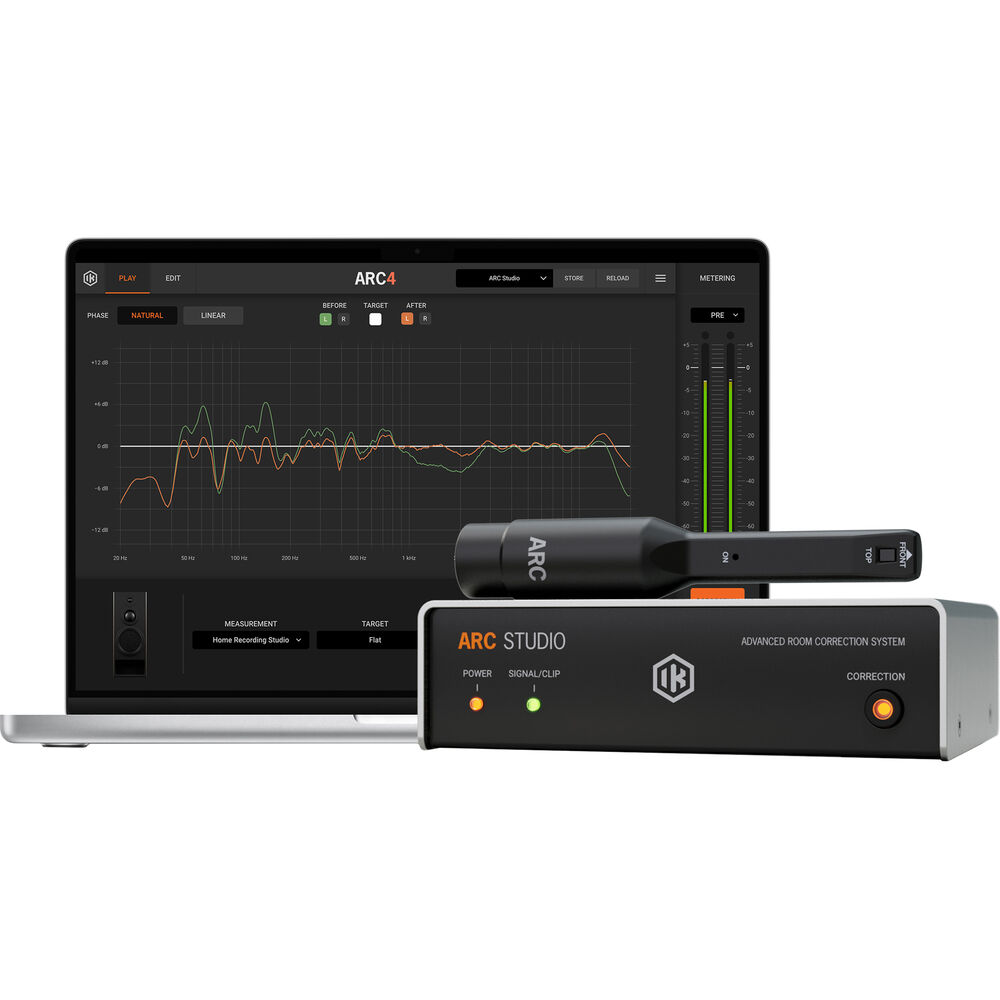
The IK Multimedia ARC Studio is a standalone room correction processor for home and project studios, made for producers, mix engineers and content creators whose monitors sound different in their room than they should. You measure the room once with the included ARC microphone, the software builds a correction profile, and the ARC Studio box applies it to everything going to your speakers, from your DAW, YouTube or a reference track.
Why hardware room correction?
Most small rooms add peaks and dips in the low end and smear the stereo image. Room correction software can fix a lot of that, but a plug-in on your master bus only corrects audio inside the DAW, and it has to be switched off before you bounce or the correction ends up in your mix. ARC Studio moves the correction out of the computer and into a box between your audio interface and your monitors. Your mixes stay untouched, and every source on the computer is heard through the corrected system.
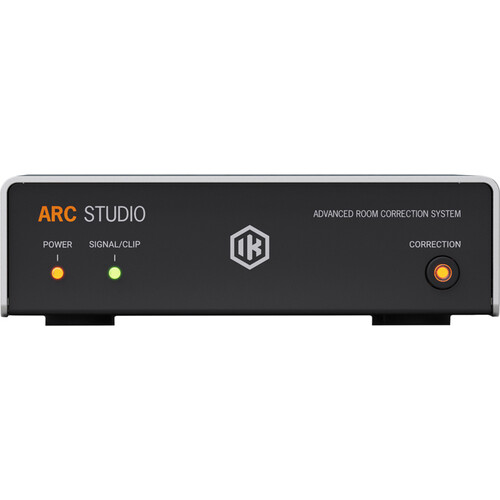
The processor stores one correction setting, and keeps it when the computer is switched off or the USB cable is unplugged. A front-panel button turns the correction on and off, so you can compare corrected and uncorrected sound at any time.
How the measurement works
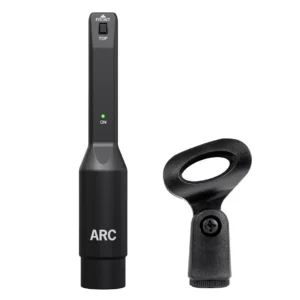
You set up the ARC measurement microphone on its clamp at the listening position and run the analysis software. Sound On Sound’s review describes a recommended routine of 21 measurement points across three heights around your listening position, with the option of fewer points if you’re short on time. The software turns these into a correction profile, which you then send to the ARC Studio hardware.
The microphone connects by XLR, so you need an audio interface with a phantom-powered mic input for the measurement. IK lists a 44.1 kHz or 48 kHz sample rate for measuring and one free USB port for the processor.
Target curves, phase modes and speaker emulation
You’re not stuck with a dead flat response. Target curves include flat, brighter or warmer tilts and a Dolby Atmos curve, and you can exclude the very top or bottom of the spectrum from correction. IK also includes more than 20 emulations of reference playback systems, so you can check how a mix might translate on other speakers.
Two filter modes trade latency against phase accuracy. Natural Phase mode runs at 1.4 ms, low enough for tracking and playing virtual instruments. Linear Phase mode runs at 42 ms, better suited to mixing and mastering.
Audio quality
ARC Studio converts and processes at 24-bit and 96 kHz, with 32-bit float processing inside. IK quotes a frequency response of 2 Hz to 45 kHz (±2 dB), 120 dB dynamic range (A-weighted) and THD of 0.00035% from 20 Hz to 20 kHz. Balanced XLR inputs and outputs handle up to +17 dBu at the output.
Who is the ARC Studio for?
- Home studios in untreated or lightly treated rooms, where bass build-up makes mixes translate badly.
- Producers who listen to many sources: DAW, references, streaming and video, all corrected the same way.
- Anyone who has bounced a mix with a correction plug-in left on. The hardware removes that risk.
- Owners of monitors without built-in DSP correction.
It’s not the right tool if you need bass management for a subwoofer, digital I/O or speaker switching. ARC Studio has stereo analogue XLR in and out only, so it can’t phase-align or cross over to a sub. It also doesn’t replace physical treatment: correction can tame peaks, but deep nulls and long reverb times still need absorbers and bass traps from our acoustic treatment and room correction range.
ARC Studio vs other room correction options
Sonarworks SoundID Reference is the main rival. It runs as a plug-in and as a system-wide app on your computer, but it has no equivalent hardware box, so the correction always depends on the computer.
Genelec GLM only works with Genelec SAM monitors, and it can manage a subwoofer, which ARC Studio can’t. In Sound On Sound’s tests, ARC’s correction curves came out almost the same as GLM’s. GLM applies cuts only, while ARC allowed small boosts in the midrange.
The ARC software on its own is cheaper and still useful, for example on a laptop or a second pair of monitors. The hardware adds correction for every source and removes the need to bypass anything before bouncing. ARC Studio includes the ARC plug-in too.
Setup tips
- Connect your interface’s monitor outputs to the ARC Studio inputs, and its outputs to your studio monitors.
- Set your monitor positions first, ideally an equilateral triangle with the tweeters at ear height. Measure after the speakers are where they will stay.
- Keep the room quiet during measurement, and turn off fans and air conditioning.
- Re-measure after moving speakers, furniture or acoustic panels.
- Use Natural Phase mode while recording and Linear Phase mode while mixing.
Key features
- Standalone hardware room correction processor
- ARC measurement microphone and clamp included
- Stores one correction profile, kept with the computer off
- Front-panel correction on/off button
- Natural Phase (1.4 ms) and Linear Phase (42 ms) modes
- Custom target curves, including flat, tilts and Dolby Atmos
- 20+ reference speaker emulations
- 24-bit/96 kHz conversion, 32-bit float processing
- 2 Hz to 45 kHz frequency response, 120 dB dynamic range
- Balanced XLR stereo I/O, USB-C connection
- ARC plug-in included
Frequently asked questions
Do I need to bypass ARC Studio before bouncing a mix?
No. The correction happens in the hardware after your audio interface, so nothing is printed into your exported mix.
Does ARC Studio work without a computer?
Yes. The processor keeps its stored correction profile with the computer off or the USB cable unplugged. You need the computer and software to measure the room and change settings.
Can ARC Studio correct a subwoofer?
It has stereo outputs only, so it can’t do bass management or phase-align a separate subwoofer. If your setup relies on a sub, plan the crossover elsewhere.
Is the measurement microphone included?
Yes, this version includes the ARC measurement microphone and clamp. You need an audio interface with a phantom-powered XLR input to use it.
Does it replace acoustic treatment?
No. It reduces frequency response problems at the listening position, but deep nulls and excess reverberation are physical problems that panels and bass traps fix best. Treatment and correction work well together.
Can I use it while recording?
Yes. In Natural Phase mode latency is 1.4 ms, which is low enough for tracking and playing virtual instruments.
| Weight | 1 kg |
|---|---|
| Dimensions | 32.5 × 18.5 × 7.5 cm |
| brands | Ik Multimedia |
Specifications
| Specification | Details |
|---|---|
| Type | Standalone hardware room correction processor |
| Conversion | 24-bit, 96 kHz |
| Internal processing | 32-bit float |
| Frequency response | 2 Hz to 45 kHz (±2 dB) |
| Dynamic range | 120 dB (A-weighted) |
| THD (20 Hz to 20 kHz) | 0.00035% |
| Channel crosstalk (1 kHz) | 122.5 dB |
| Inputs | Stereo balanced XLR, 20 kΩ |
| Outputs | Stereo balanced XLR, 50 Ω |
| Maximum output level | +17 dBu |
| Latency | 1.4 ms (Natural Phase), 42 ms (Linear Phase) |
| Stored profiles | 1 |
| Computer connection | USB-C |
| Power | External power supply (included), not USB bus-powered |
| Dimensions | 144 x 120 x 45 mm |
| Weight | 465 g |
| Speaker emulations | 20+ |
| Mac requirements | macOS 10.15 or later (11 or later on Apple Silicon), Apple M1 or Intel Core i5, 4 GB RAM |
| Windows requirements | Windows 10 64-bit or later, Intel Core i5 or equivalent, 4 GB RAM, ASIO interface |
| Plug-in formats | AU, VST3, AAX |
| Measurement requirements | Audio interface with phantom-powered XLR input, 44.1 or 48 kHz |
| In the box | ARC Studio processor, ARC measurement microphone and clamp, USB-C to USB-A cable (1.5 m), power supply, registration card |
Related products
-
Acoustic Treatment & Room Correction, Microphone Accessories
IK Multimedia ARC Measurement Mic (MEMS)
 Acoustic Treatment & Room Correction, Microphone Accessories
IK Multimedia ARC Measurement Mic (MEMS)
- Official IK MEMS measurement mic for ARC room correction
- Calibrated response of 20 Hz to 20 kHz, ±0.5 dB with ARC
- Works with ARC 2.5 and later, ARC Studio and iLoud monitors
- MEMS capsule stays stable over time and matches unit to unit
- Light 25 g body with mic clamp included
- Microphone only: ARC software is not included
SKU: IKMT_AC-250-MIC-IN -
Acoustic Treatment & Room Correction, Microphone Accessories, Sales, Top 10dB
sE RF-X Reflexion Filter – Blue Swirl
Acoustic Treatment & Room Correction, Microphone Accessories, Sales, Top 10dBsE RF-X Reflexion Filter – Blue Swirl
- Portable vocal booth
- Lightweight vented body
- Efficient clamp assembly
- Four-layer acoustic filter design
- Filters frequencies evenly across the whole spectrum
- Includes Reflexion Filter® X, Mounting bracket, Mic stand thread adaptor
SKU: SEEL_RF-XBLSW