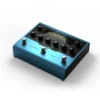
IK Multimedia AmpliTube X-GEAR X-Space Reverb Pedal

In stock
- 16 reverb algorithms, from classic spring and plate to shimmer, bloom and reverse
- 50 factory presets and room for 300 of your own
- True stereo inputs and outputs with a pure analogue dry path
- Built-in USB audio interface with 5 cabinet impulse responses for direct recording
- Includes a matching virtual X-Space for AmpliTube 5 plus a preset librarian
- Anodised aluminium chassis, designed and made in Italy
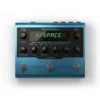 IK Multimedia AmpliTube X-GEAR X-Space Reverb Pedal
 IK X-GEAR AmpliTube X-DRIVE Distortion Pedal
 IK X-GEAR AmpliTube X-TIME Delay Pedal
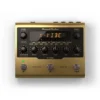 IK X-GEAR AmpliTube X-VIBE Modulation Pedal
$349 $659
In stock
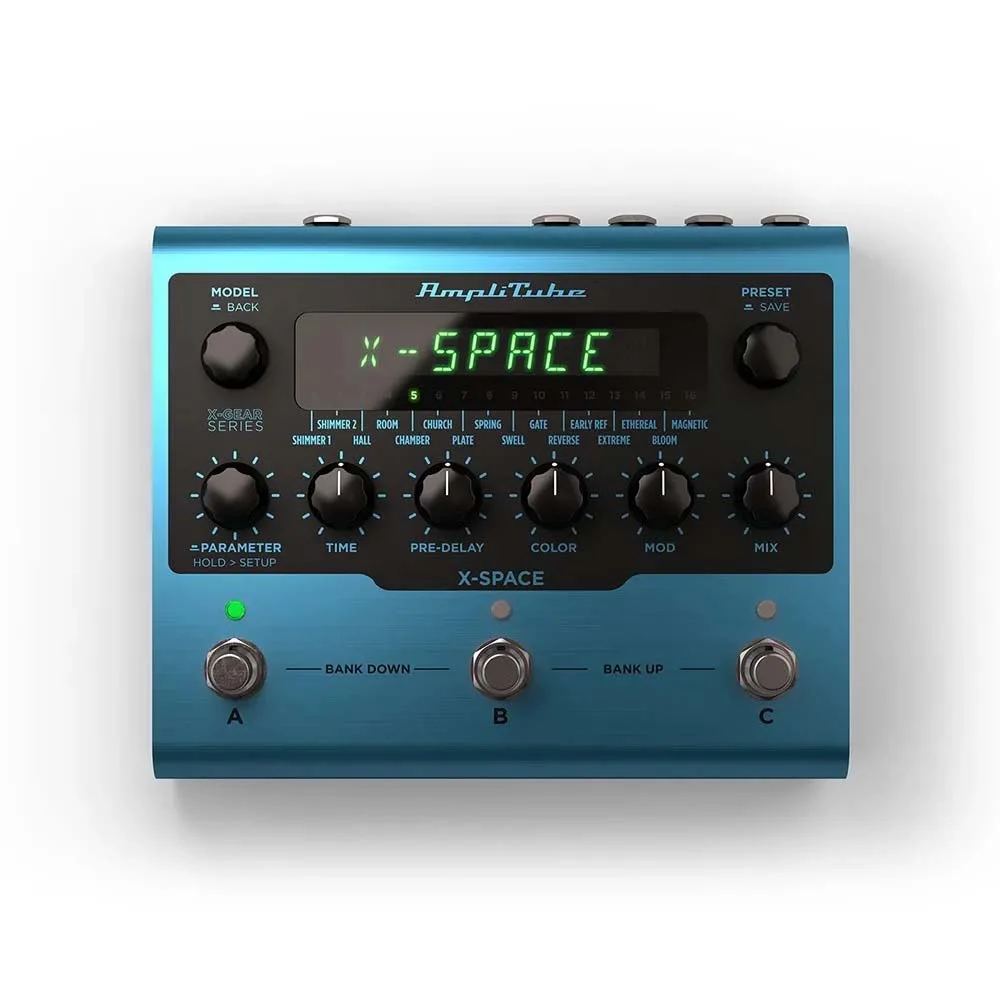
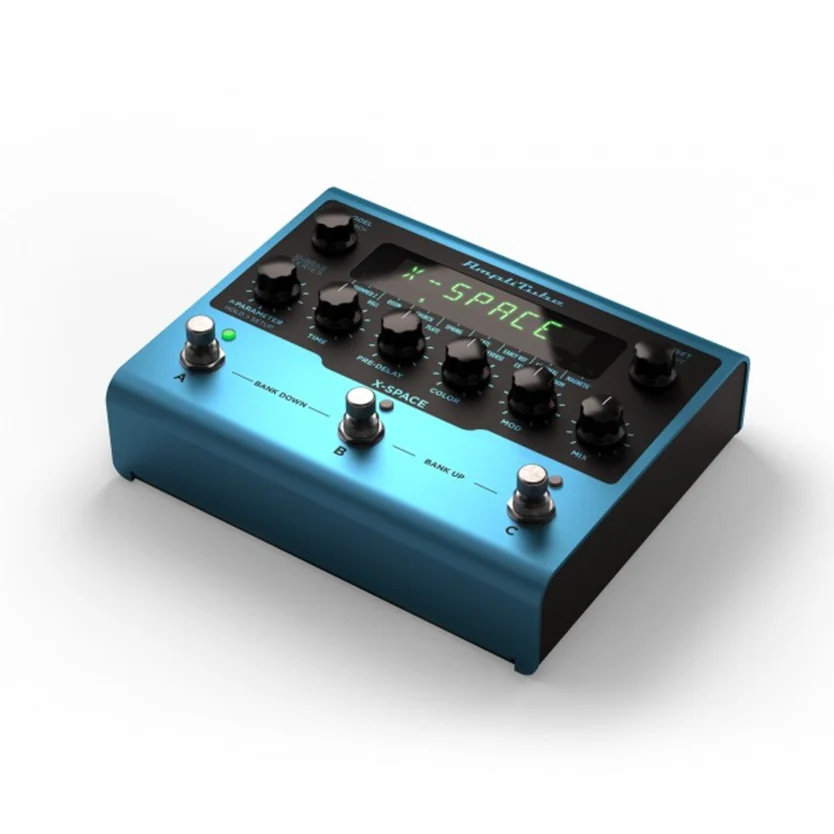
The IK Multimedia X-Space is a stereo reverb pedal with 16 algorithms, 300 preset slots and a built-in USB audio interface, made for guitarists, keyboard players and producers who want one reverb that works on a pedalboard and in the studio. It takes the reverb engine from IK’s AmpliTube software and puts it in an Italian-made aluminium box, with a matching virtual version for your computer.
16 reverb algorithms in one pedal
Most reverb pedals give you three or four rooms. The X-Space covers the whole range: Hall, Room, Chamber, Church, Plate, Spring and Early Reflections for natural spaces, plus Shimmer 1, Shimmer 2, Swell, Gate, Reverse, Bloom, Ethereal, Magnetic and Extreme for ambient and experimental sounds. MusicTech’s reviewer singled out the spring reverb as especially convincing, and found the pedal at its best on shimmer, bloom and swell textures.
X-Mode adds another layer. Hold a footswitch and the reverb stretches out to maximum length, which turns a sustained chord into an ambient pad you can play over.
True stereo, analogue dry path and trails
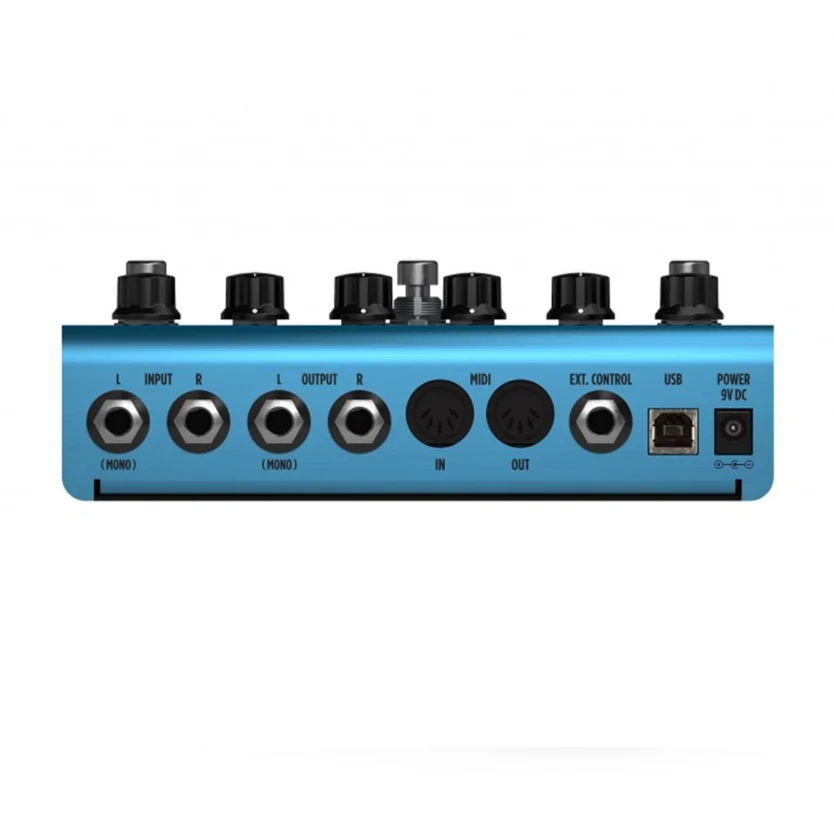
The X-Space has stereo inputs and outputs, so it suits stereo pedalboards, synths and keyboard rigs. The dry signal stays analogue, so your core tone isn’t converted to digital and back when you only want reverb on top. The wet signal runs through 24-bit/192 kHz converters with a stated 112 dB dynamic range and 5 Hz to 24 kHz frequency response.
You can choose true bypass or soft bypass. With the Spillover/Trails function on, the reverb tail rings out naturally when you switch presets or turn the effect off, instead of cutting dead.
A reverb pedal that doubles as an audio interface
This is where the X-Space differs from most reverb pedals. Plug it into a computer over USB and it works as a recording interface, so you can track guitar or keys straight into your DAW with the reverb already on. It includes 5 cabinet impulse responses, which means you can record a guitar going through a preamp or amp sim pedal without miking a cab. Routing options let you send the wet or dry signal to the DAW, and a stereo output lets you monitor from the pedal while you record.
If your recording setup needs more inputs, a dedicated audio interface is still the better hub. The X-Space covers quick guitar takes and practice sessions at the desk.
Hardware and software twins
Every X-Space comes with a virtual version of the pedal for AmpliTube 5 and a Plug-in and Preset Librarian. You can build sounds on your computer with a mouse, then send them to the pedal over USB, or use the same reverb on tracks inside your DAW. Full MIDI implementation means you can change presets from a MIDI controller and control AmpliTube 5 from the pedal. An expression pedal input lets you sweep any chosen parameter with your foot. For more studio effects, see our VST plug-ins range.
Who is the X-Space for?
- Ambient and post-rock players who want shimmer, bloom, swell and infinite sustain on one board.
- Players running stereo rigs, including keyboardists and synth players, who need true stereo I/O.
- Home recordists who want to record guitar into a laptop without a separate interface for every session.
- AmpliTube users who want the same reverb sounds live and in the DAW.
It’s less suited to players who want one knob and one sound. If you only use a touch of spring on a clean amp, a simpler reverb from our guitar effects pedals range will be smaller and quicker to set. MusicTech also noted that the factory presets lean towards extreme sounds, so plan to program a few of your own.
X-Space vs other multi-reverb pedals
The X-Space competes with established multi-mode reverbs such as the Strymon BlueSky. In MusicTech’s review it held its own against the BlueSky for shimmer and texture work. Where the X-Space differs is everything around the reverb: a USB audio interface, cabinet impulses, a bundled software version and storage for 300 presets. The reviewer’s criticisms were the extreme leaning of the factory presets and slightly plain room types.
Setup tips
- Place it near the end of your chain, after drive and modulation, for the most natural reverb. Before a fuzz gives a wilder, smeared sound.
- In stereo, run both outputs to two amps or a stereo input on your mixer. Wide algorithms like Hall and Shimmer open up most.
- Turn Trails on for live sets, so tails don’t cut off between songs.
- Program your main sounds in the AmpliTube editor first, then save them to the pedal. It’s faster than editing on stage.
- Connect an expression pedal to mix or decay for swells on the fly.
Key features
- 16 reverb algorithms plus X-Mode for infinite feedback
- 50 factory presets, 300 user presets
- True stereo inputs and outputs
- Pure analogue dry path
- Selectable true or soft bypass
- Spillover/Trails function
- 24-bit/192 kHz converters, 112 dB dynamic range
- USB for preset management and as a recording interface
- 5 cabinet impulse responses
- Full MIDI implementation and expression pedal input
- Virtual X-Space for AmpliTube 5 and preset librarian included
- Anodised aluminium chassis, made in Italy
Frequently asked questions
How many reverb types does the IK Multimedia X-Space have?
It has 16 reverb algorithms, including Hall, Room, Plate, Spring, two Shimmer types, Bloom, Reverse and Gate, plus X-Mode for infinite feedback.
Can I use the X-Space as an audio interface?
Yes. Over USB it works as a recording interface, and it includes 5 cabinet impulse responses for recording guitar direct.
Is the X-Space stereo?
Yes. It has true stereo inputs and outputs, so it works with stereo pedalboards, keyboards and synths.
Does it come with software?
Yes. It includes a virtual X-Space for AmpliTube 5 and a Plug-in and Preset Librarian for building and transferring presets over USB.
Do reverb tails keep ringing when I switch presets?
Yes, if you turn on the Spillover/Trails function. Tails then fade naturally when you change presets or bypass the pedal.
Does the X-Space work with an amp’s effects loop?
It’s a stereo, line-friendly digital pedal, so it can sit in front of the amp or in an effects loop. Many players prefer the loop on a driven amp, so the reverb comes after the amp’s distortion. For amps and loops, see our guitar amplification range.
| Weight | 1.3 kg |
|---|---|
| Dimensions | 20 × 20.5 × 9 cm |
| brands | Ik Multimedia |
Specifications
| Specification | Details |
|---|---|
| Type | Stereo multi-algorithm reverb pedal |
| Reverb algorithms | 16, plus X-Mode |
| Presets | 50 factory, 300 user |
| Inputs and outputs | True stereo |
| Dry path | Pure analogue |
| Bypass | Selectable true or soft bypass |
| Trails | Spillover/Trails function |
| Converters | 24-bit/192 kHz |
| Frequency response | 5 Hz to 24 kHz |
| Dynamic range | 112 dB |
| Cabinet IRs | 5 |
| USB | Preset management and USB audio interface |
| MIDI | Full MIDI implementation |
| Expression | Expression pedal input |
| Footswitches | 3 |
| Chassis | Anodised aluminium, made in Italy |
| Dimensions | 175 x 145 x 58 mm |
| Weight | 906 g |
| Software | Virtual X-Space for AmpliTube 5, Plug-in and Preset Librarian |
| In the box | X-Space pedal, USB A-B cable (1.5 m), power supply, 4 adhesive rubber feet, software serial number |
Related products
-
Bundles, Sales, Studio Bundles
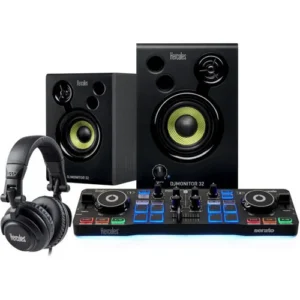
Hercules DJStarter Kit with Controller, Speakers, Headphones & Serato DJ Lite
 Bundles, Sales, Studio Bundles
Hercules DJStarter Kit with Controller, Speakers, Headphones & Serato DJ Lite
- Audio Interface: Main + Headphone Output
- Two Jog Wheels
- Four Pads per Deck (Four Pad Modes)
- Pad Modes: Hot-Cue, Loop, FX, & Sampler
- Pair of Active 3″ Multimedia Speakers
- Peak Power: 60W
- Front Panel Level Control
- DJ Headphones with 50mm Drivers
- Ear-Cups that Swivel
- Serato DJ Lite Software Included
SKU: HERC_DJSTARTERKIT