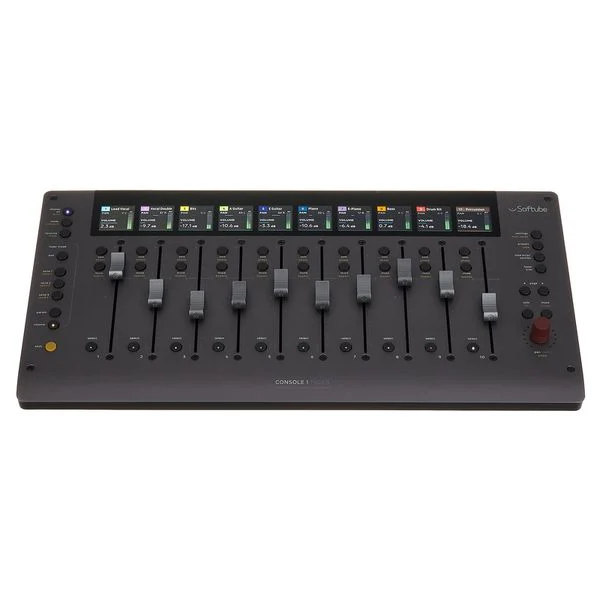
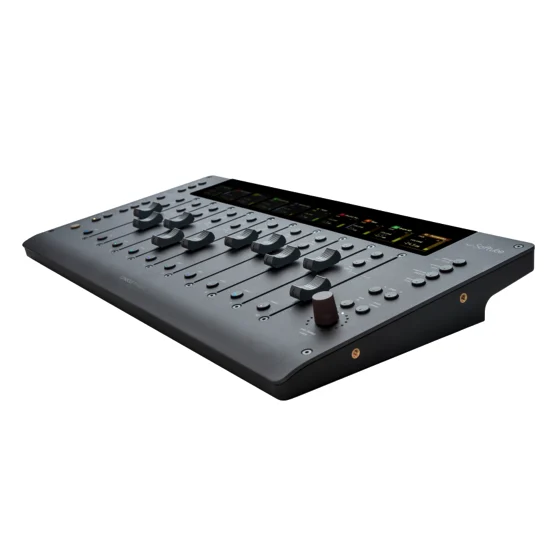
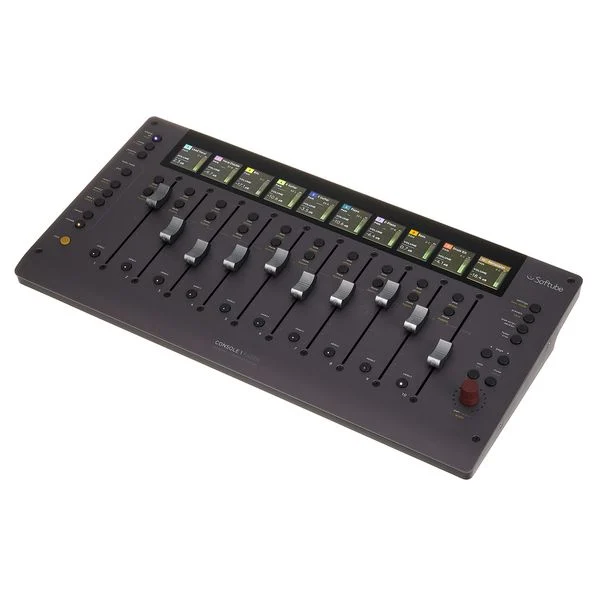
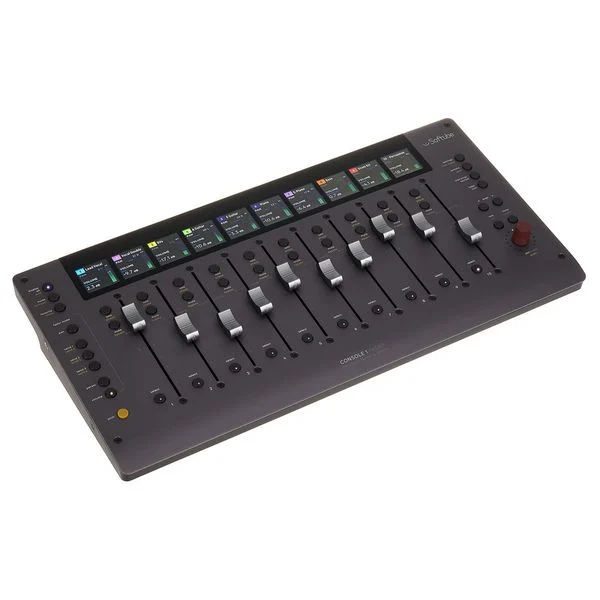
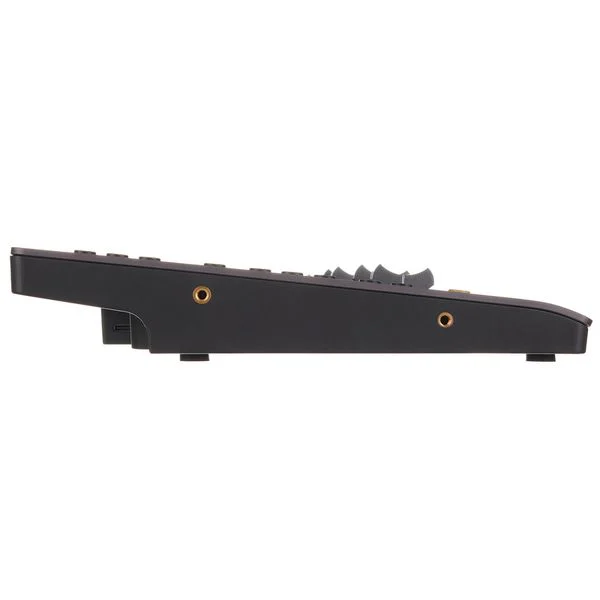
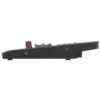
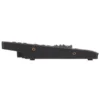
Softube Console 1 Fader Mk III – Motorised Fader Control Surface

In stock
- Ten motorised 100 mm Analog Feel faders with capacitive touch
- Haptic feedback you can feel at unity gain, pan centre and on clipping
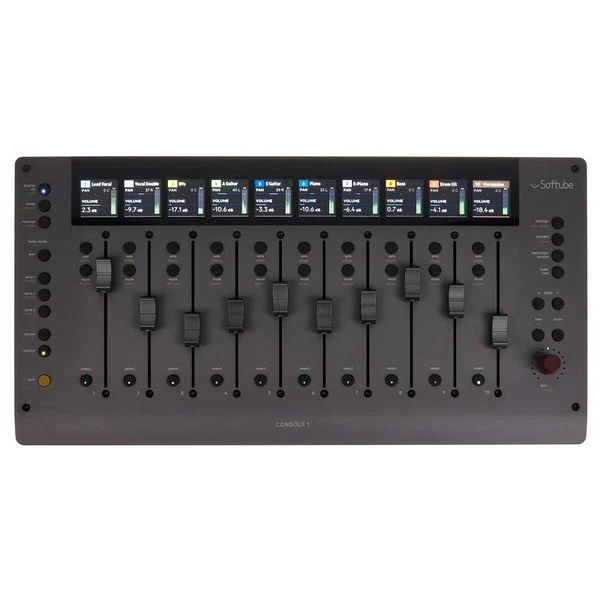
- Ten high-resolution screens show track name, colour, level and pan
- Console 1, Pro Tools HUI, MCU and UAD Apollo Central modes
- Dual USB-C: chain up to four Faders plus a Channel Mk III, no hub
- Includes the Console 1 Core Mixing Suite software
$2,099
In stock
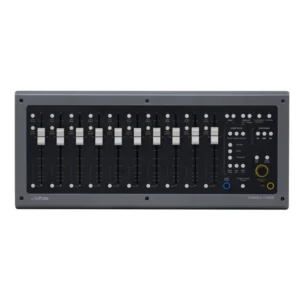
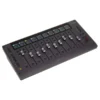
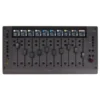
The Console 1 Fader Mk3 (officially the Softube Console 1 Fader Mk III) puts ten motorised 100 mm faders, a screen for every channel and haptic feedback on your desk, so you can set levels, ride automation and move between tracks without reaching for the mouse. It is built for producers and mix engineers who work in the box but miss the speed and feel of a real console, and it is the fader half of Softube’s Console 1 Mixing System alongside the Console 1 Channel Mk III.
Analog Feel faders that talk back
Each of the ten 100 mm Analog Feel faders is motorised and touch-sensitive. Touch a fader and the track is identified on screen, touch automation writes cleanly, and an optional Select on Touch setting selects whichever track you grab. The Mk III adds haptic feedback, set in software: a fader can give you a resistance point at unity gain, a centre point when panning, or a short vibration when a channel clips. You can move these points or switch the feature off.
A screen for every channel
Ten high-resolution screens sit above the faders and show the track name, number, colour, VU meter, pan and mute/solo status, so you always know which tracks are under your fingers. A single touch-sensitive endless encoder handles pan for the selected track and menu navigation; hold Shift and it becomes a stereo width control.
Four ways to work: Console 1, HUI, MCU and Apollo Central
- Console 1 mode gives the deepest integration with the Console 1 plug-in: volume, pan, six sends, solo, mute and track select, plus Param mode, which puts one Console 1 parameter (such as a filter, drive or compression threshold) across all ten faders for ten different tracks.
- Pro Tools HUI and Generic MCU modes control volume, pan, sends, solo and mute in DAWs that support those protocols.
- UAD Apollo Central mode controls Universal Audio’s Console software for Apollo interface owners.
You switch modes from the hardware itself. DAW integration covers Logic Pro, Cubase, Nuendo, Studio One, Reaper, Ableton Live, LUNA, FL Studio, Pro Tools, Harrison Mixbus, Digital Performer, Bitwig Studio, Cakewalk and Samplitude, although the depth of support varies from one DAW to the next. If you are still choosing the rest of your setup, browse our audio interfaces and studio monitors.
Daisy chain, mount and expand
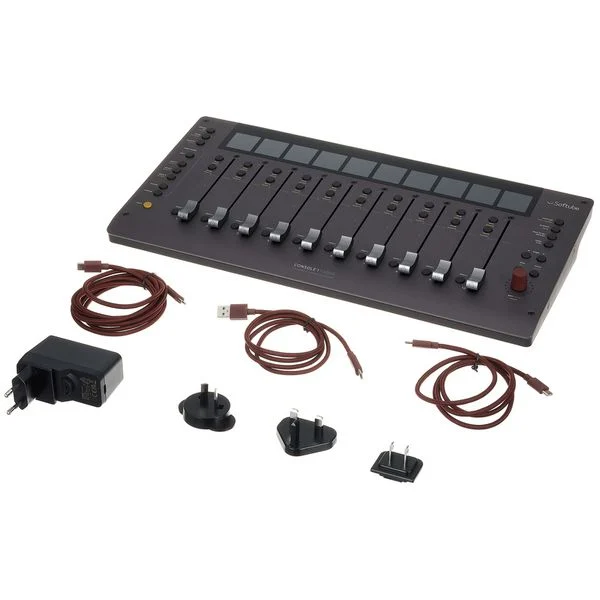
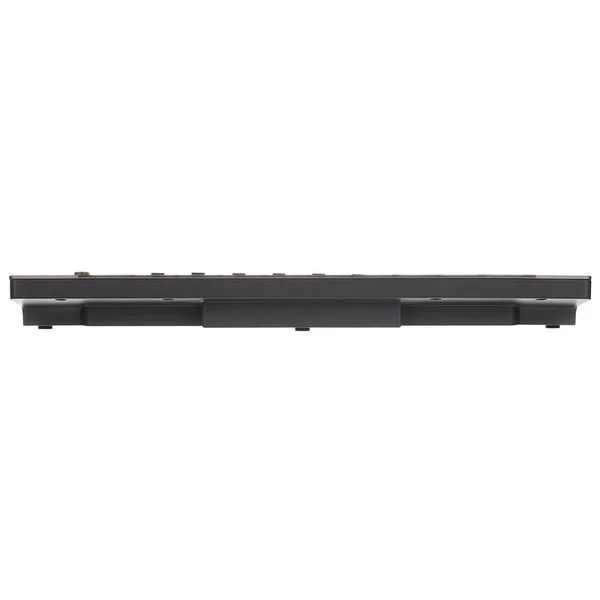
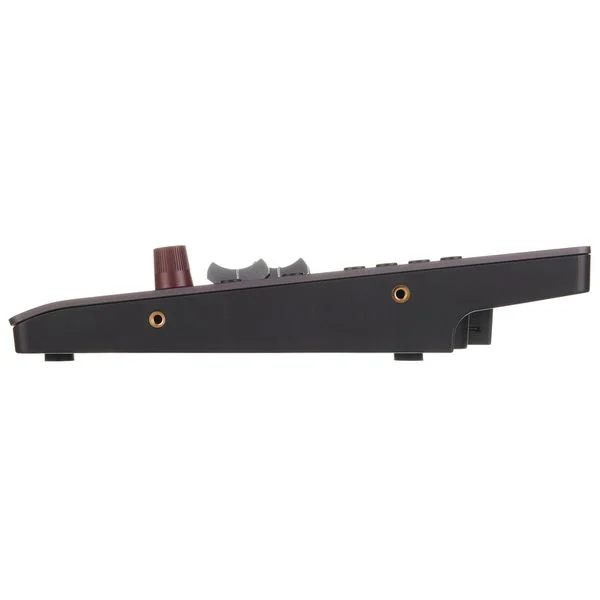
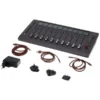
Two USB-C ports let you chain up to four Fader Mk III units and a Console 1 Channel Mk III from a single computer port, with no USB hub and fewer cables. The anodised aluminium top sits on a moulded chassis with a 100 mm VESA mount underneath and M4 threads on the sides for Softube’s Console 1 Mixing System Mk III Stand or the Mk III rack mount kit (both sold separately). It shares the same case design as the Channel Mk III, so the two line up neatly side by side.
Core Mixing Suite included
Fader Mk III comes with Softube’s Console 1 Core Mixing Suite: the Console 1 channel strip with a tape/preamp stage, transient shaping, vintage and modern EQs and several compressor models. It is light on CPU, so you can run it on every track. You can expand it later with licensed channel strips and processors from names such as SSL, Weiss and Chandler Limited, sold separately.
Who is it for?
- Console 1 Channel Mk III owners who want physical faders to complete the system.
- Mix engineers who ride levels and write fader automation and want touch-sensitive motorised faders instead of drawing lines with a mouse.
- Studios that want more than eight faders at a time: ten per unit, and up to forty when four units are chained.
- Universal Audio Apollo users who want hands-on control of the Console app.
Who should look elsewhere?
If you need transport controls (play, stop, record), Fader Mk III has none, so you will still use your keyboard or another controller for that. If you only plan to use HUI or MCU and never the Console 1 plug-in, you get eight of the ten faders and lose much of what makes this unit special. And if hands-on EQ and compression matter more to you than levels, start with the Console 1 Channel Mk III and add the Fader later, which is the order reviewers recommend. See all our control surfaces to compare.
Console 1 Fader Mk III vs the alternatives
vs the original Console 1 Fader: both give you ten motorised faders for the Console 1 system. The Mk III’s headline addition is haptic feedback, and its case matches the Channel Mk III so the two mount together in one stand.
vs PreSonus FaderPort 8: the FaderPort 8 is a general-purpose MCU/HUI controller with eight motorised faders and transport buttons, at a lower price. Fader Mk III gives you ten faders, a high-resolution screen per channel, haptic feedback and deep integration with the Console 1 plug-in, but no transport section.
Key Features
- Ten motorised 100 mm Analog Feel faders with capacitive touch
- Software-configurable haptic feedback
- Ten high-resolution screens with track name, colour, meter and pan
- Touch-sensitive endless encoder for pan, width and menus
- Console 1, Pro Tools HUI, Generic MCU and UAD Apollo Central modes
- Param mode: one Console 1 parameter across ten tracks
- Dual USB-C daisy chain: up to four Faders plus a Channel Mk III, no hub
- VESA mount and side threads for the optional stand or rack kit
- Console 1 Core Mixing Suite software included
FAQ
Are the faders on the Console 1 Fader Mk III motorised?
Yes. All ten 100 mm faders are motorised and touch-sensitive, so they follow your automation and move to the right position when you switch tracks or banks.
Do I need a Console 1 Channel Mk III to use it?
No. Fader Mk III works on its own in Console 1, HUI, MCU and Apollo Central modes. On its own it controls levels, pan, sends, solo, mute and single plug-in parameters through Param mode; adding a Channel Mk III gives you dedicated knobs for EQ, compression and the rest of the channel strip.
Does it work with Pro Tools?
Yes, through Pro Tools HUI mode. Pro Tools support currently offers fewer features than DAWs with deeper Console 1 integration, so check Softube’s latest DAW notes if Pro Tools is your main DAW.
How many faders work in HUI or MCU mode?
Those protocols handle eight channels, so eight of the ten faders are active and some integrated features, including the encoder, are not available. Console 1 mode uses all ten.
Can I chain several units?
Yes. Up to four Fader Mk III units and one Console 1 Channel Mk III can be chained over USB-C to a single computer port, without a hub.
Can it send MIDI CC?
Yes. A MIDI CC mode gives you three banks of ten faders, plus mute, solo and select buttons, each sending its own CC message, which is handy for automating virtual instruments.
| Weight | 2 kg |
|---|---|
| Dimensions | 43.5 × 4.5 × 21.9 cm |
| brands | Softube |
Specifications
| Specification | Details |
|---|---|
| Faders | 10 x 100 mm motorised Analog Feel faders, capacitive touch |
| Haptic feedback | Yes, configurable in software |
| Screens | 10 high-resolution screens |
| Encoder | 1 x touch-sensitive endless encoder (pan, width, menus) |
| DAW controls | Volume, pan, 6 sends, solo, mute, track select |
| Param mode | Yes (Console 1 parameter on the faders) |
| Operating modes | Console 1, Pro Tools HUI, Generic MCU, UAD Apollo Central |
| DAW integration | Logic Pro, Cubase, Nuendo, Studio One, Reaper, Ableton Live, LUNA, FL Studio, Pro Tools, Harrison Mixbus, Digital Performer, Bitwig Studio, Cakewalk, Samplitude |
| Connectivity | 2 x USB-C (daisy chain) |
| Expansion | Up to 4 Fader Mk III units plus 1 Console 1 Channel Mk III, no hub |
| Included software | Console 1 Core Mixing Suite |
| Construction | Anodised aluminium top, moulded sides and back |
| Mounting | 100 mm VESA (M4) underneath, M4 threads on the sides |
| Dimensions (W x H x D) | 435 x 45 x 219 mm |
| Weight | 2.08 kg |
Related products
-
Audio Interfaces, Guitar Effects & Pedals, Instruments, Studio & Recording
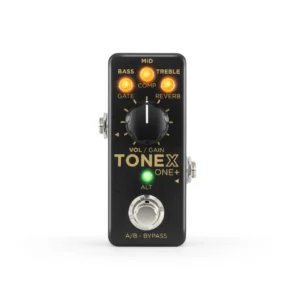
IK Multimedia TONEX ONE+ Amp Modelling Pedal with Bluetooth & MIDI
 Audio Interfaces, Guitar Effects & Pedals, Instruments, Studio & Recording
IK Multimedia TONEX ONE+ Amp Modelling Pedal with Bluetooth & MIDI
- AI-modelled amps, cabs and pedals for guitar and bass
- Wireless editing from your phone with the TONEX Control app
- Full MIDI via TRS In/Out and USB, all 20 presets recallable
- Stereo TRS output for amp, PA, FRFR or headphones
- Built-in 2-in/2-out USB audio interface for recording
- Includes the 100-model Signature+ Collection and TONEX SE
SKU: IKMT_XG-TNXONE-PLUS-IN -
Audio Interfaces, Microphone Preamps, Studio & Recording
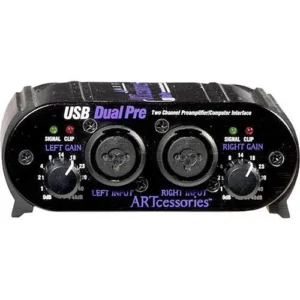
ART USB Dual Pre Project Series Two Channel Preamp / USB Interface
Audio Interfaces, Microphone Preamps, Studio & RecordingART USB Dual Pre Project Series Two Channel Preamp / USB Interface
- Two XLR / 1/4″ combo inputs with up to 48 dB of gain each
- Switchable +48V phantom power for condenser microphones
- Runs on USB bus power, a 9V battery or an optional adaptor
- Zero-latency monitoring with an input / playback mix control
- Class-compliant USB, no special driver needed
- Compact, stackable all-aluminium chassis
SKU: ARTP_USBDUALPREPS -
Audio Interfaces, Studio & Recording
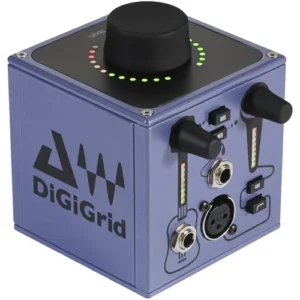
DiGiGrid M Musician’s 2×2 SoundGrid Recording Interface
- Mic preamp with up to 70 dB of gain, phantom power and high-pass filter
- Hi-Z instrument/line input for guitar, bass or keys
- High-power stereo headphone output with its own level control
- Records at up to 24-bit / 96 kHz over one Ethernet cable
- Powered by the included 12 V supply or Power over Ethernet
- Compact 9 cm aluminium cube with a non-slip base
SKU: DGRD_X-DG-M